
Add Music to Video — Add Songs & Audio to Clips
Add multiple songs and audio recordings to your videos for free, with no watermark — then trim, layer and share.

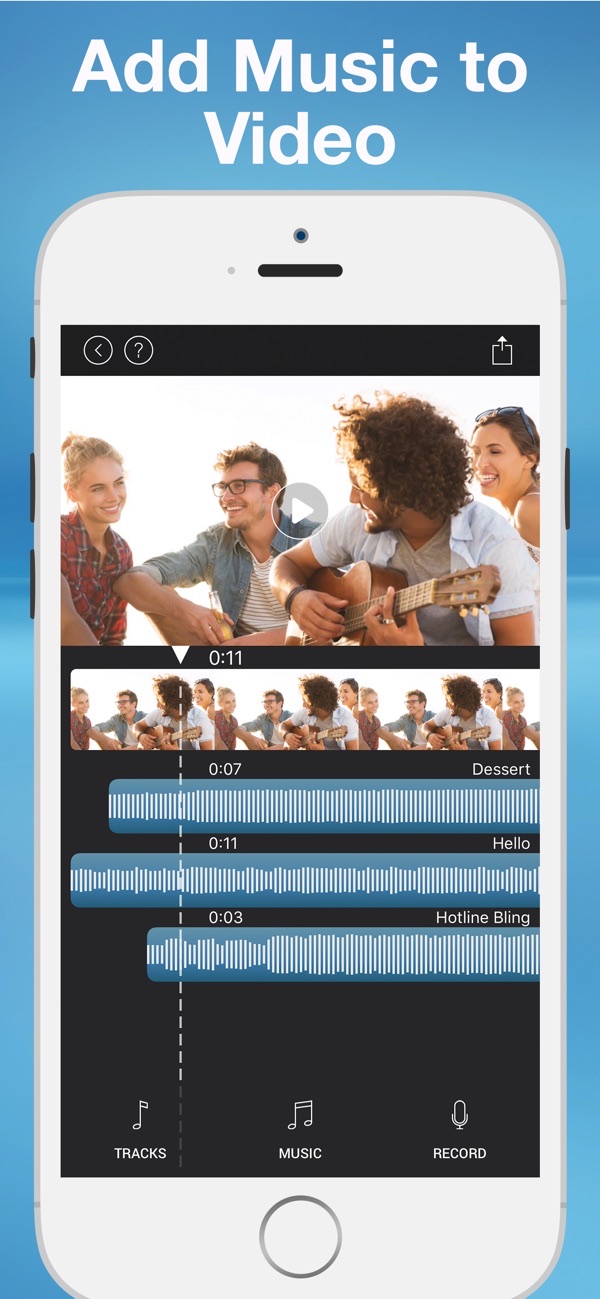
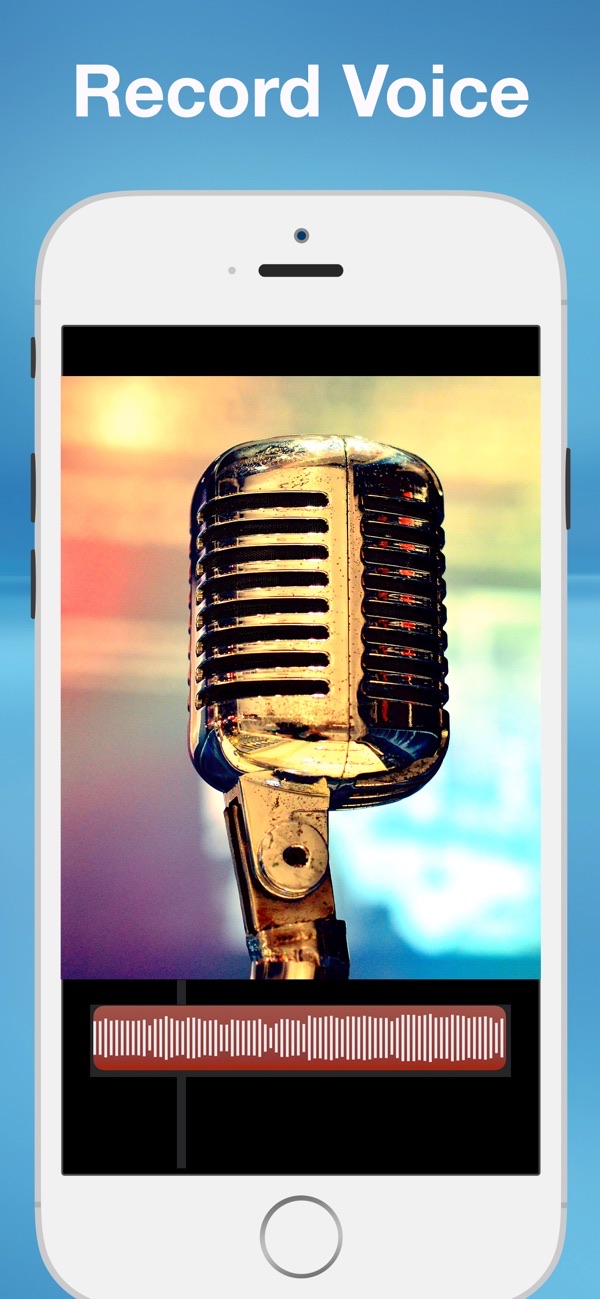
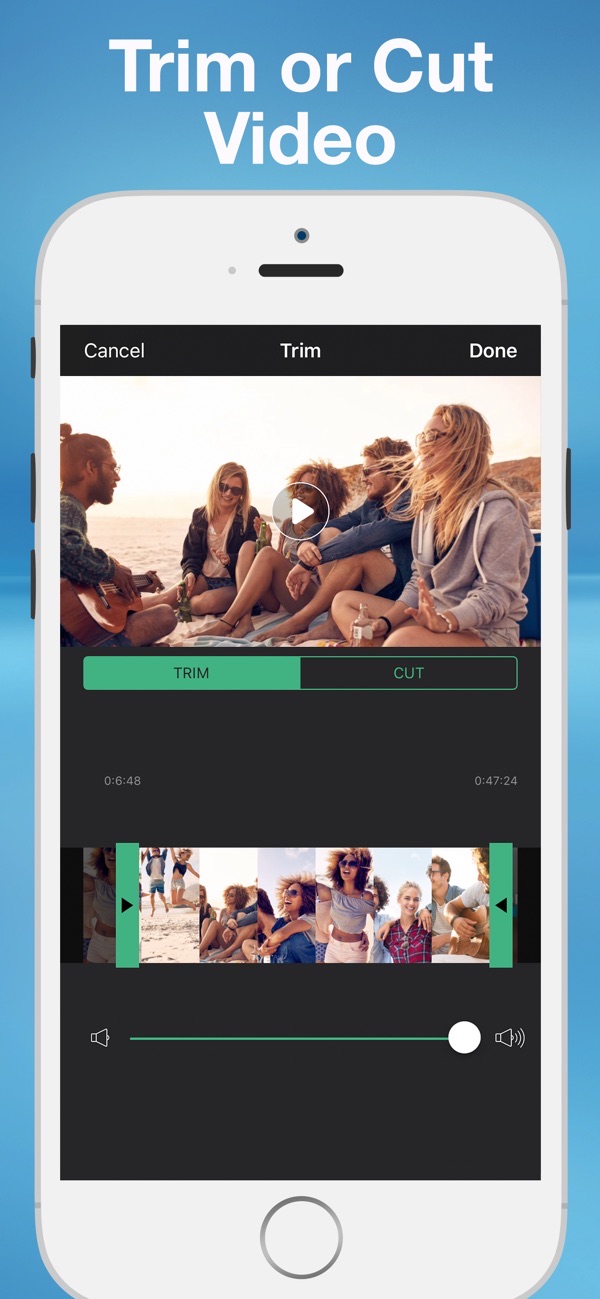
Add Music to Video gives you the tools to add multiple songs and audio recordings to your videos for free. Everything is free without an ugly watermark, so you can create something unique to save or share in minutes.
Add music to a video
Add music from your own library or choose from 24 built-in tracks. It is a fast way to give any clip the right soundtrack before you share it.
Layer multiple songs and recordings
Add multiple layers of music and audio, and record your own audio right in the app to narrate or add sound effects.
No watermark and free saving
Save your finished video to your library for free, with no watermark on the result.
Trim and cut your video
Use the advanced trimmer to trim and cut your video so the music and footage line up exactly how you want.
Balance and shape your audio
Loop your track, fade audio in and out, and control the video and audio sound levels independently for a clean mix.
Frequently asked questions
Does it add a watermark?
No. All of the features are free without a watermark.
Can I add my own music?
Yes. Add music from your library or use one of the 24 built-in tracks.
Can I add more than one track?
Yes. You can add multiple layers of music and audio recordings.
Is it free?
Yes, it is free to use. A Premium subscription unlocks unlimited music and recordings and removes ads.



Get Add Music to Video, Maker
Free to download on the App Store for iPhone and iPad.