
Slow-Fast Motion — Speed Up & Slow Down Video
Speed up or slow down sections of any video — free to save, no watermark, with corrected audio pitch and no length limits.

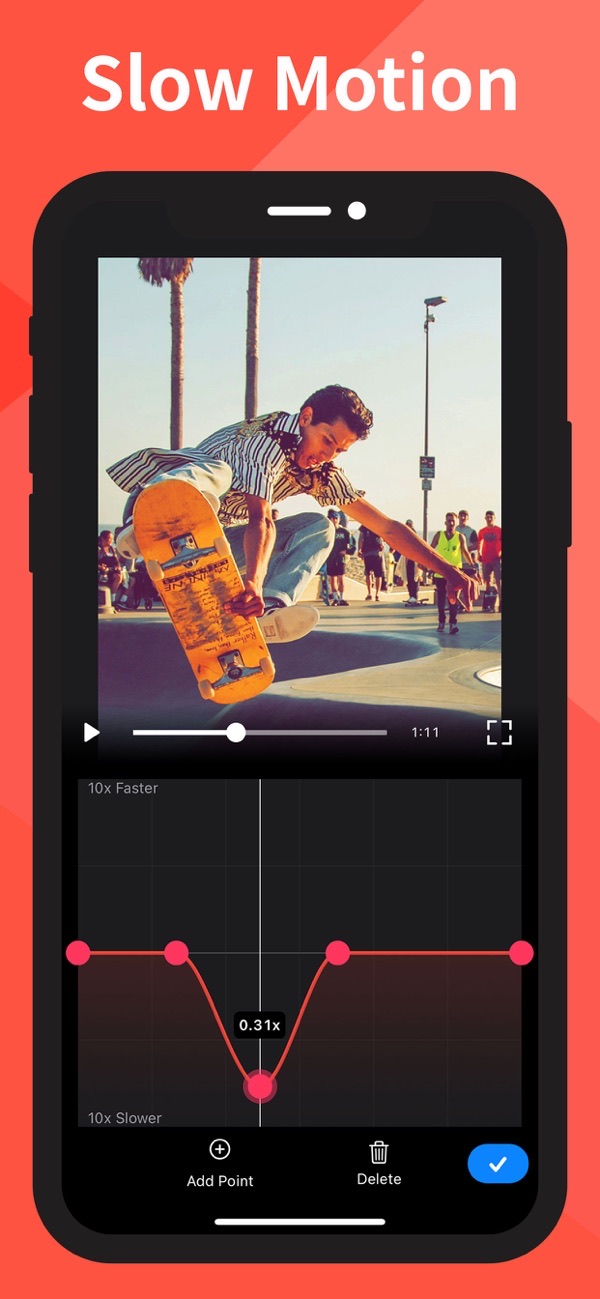
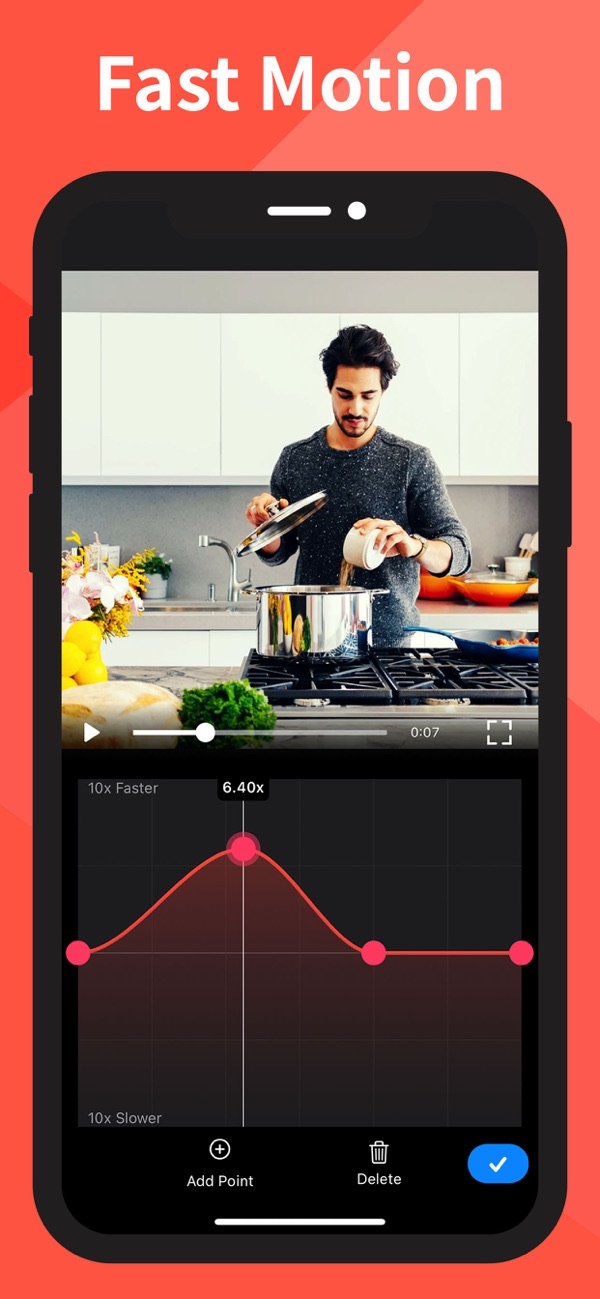
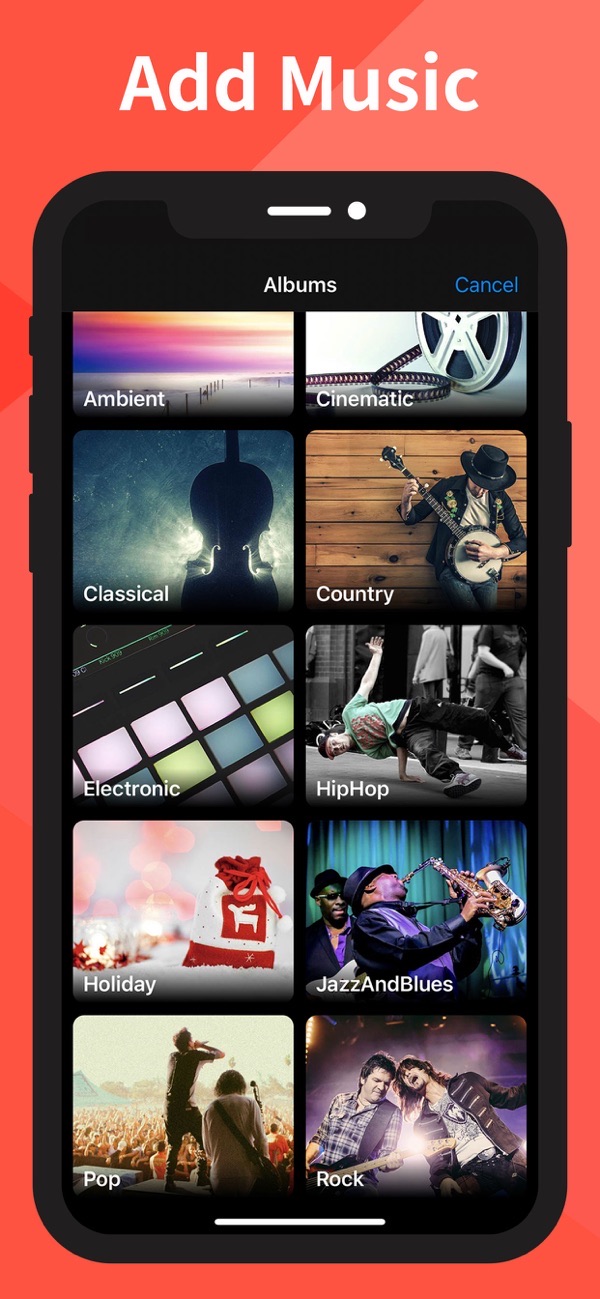
Slow-Fast Motion lets you speed up or slow down sections of a video, then save for free with no watermark. It supports portrait or landscape, corrects the audio pitch, and puts no limit on how long your video can be.
Slow down a section of video
Slow any part of your clip down to one-tenth of its speed. Speed changes happen smoothly, so slow-motion moments look polished rather than choppy.
Speed up a video
Fast-forward sections up to 10x speed, and apply different speeds to multiple sections of the same video for a dynamic edit.
Free export with no watermark
Export at full resolution for free — there is no watermark on your finished video, so it is ready to post straight away.
Corrected audio pitch
When you change the speed, the audio pitch is corrected so voices and music still sound natural instead of sped-up or slowed-down.
Portrait or landscape, any length
Work in portrait or landscape, with landscape supported on iPad, and edit videos of any length with no restrictions.
Frequently asked questions
Does it add a watermark?
No. You can export at full resolution for free with no watermark.
Is there a limit on video length?
No. Video length is unrestricted.
Can I change speed in more than one place?
Yes. You can apply speed variations to multiple sections of the same video.
Does it work on iPad?
Yes, including landscape operation on iPad.



Get Slow-Fast Motion Video Editor
Free to download on the App Store for iPhone and iPad.
New to this? Read our step-by-step guide: How to slow down or speed up a video.