No Crop — Post Full-Size Photos & Videos to Instagram
Post full photos and videos to Instagram without cropping — move, rotate, scale and flip your media, then add backgrounds, filters and music.

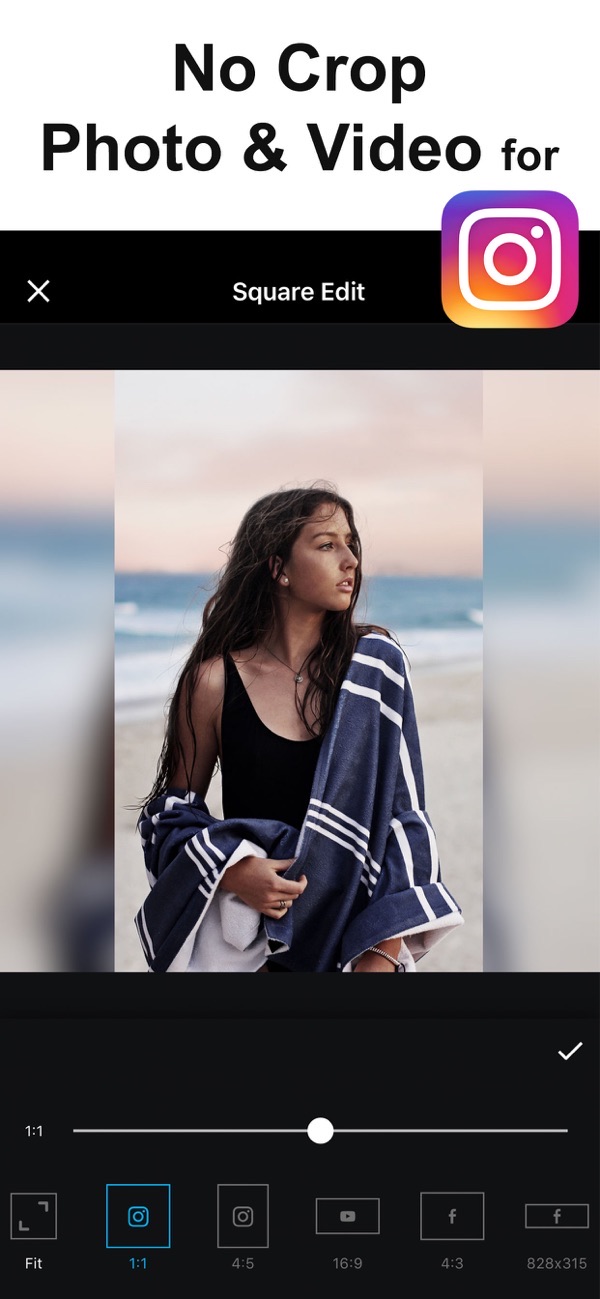
No Crop lets you post full-size photos and videos to Instagram without cropping. Move, rotate, scale and flip your media to fit the canvas, then dress it up with backgrounds, filters, text, stickers and even music.
Post photos to Instagram without cropping
Your image is automatically fitted to the square Instagram canvas, so a non-square photo posts in full instead of being cut off. It works for videos too.
Add backgrounds, borders and frames
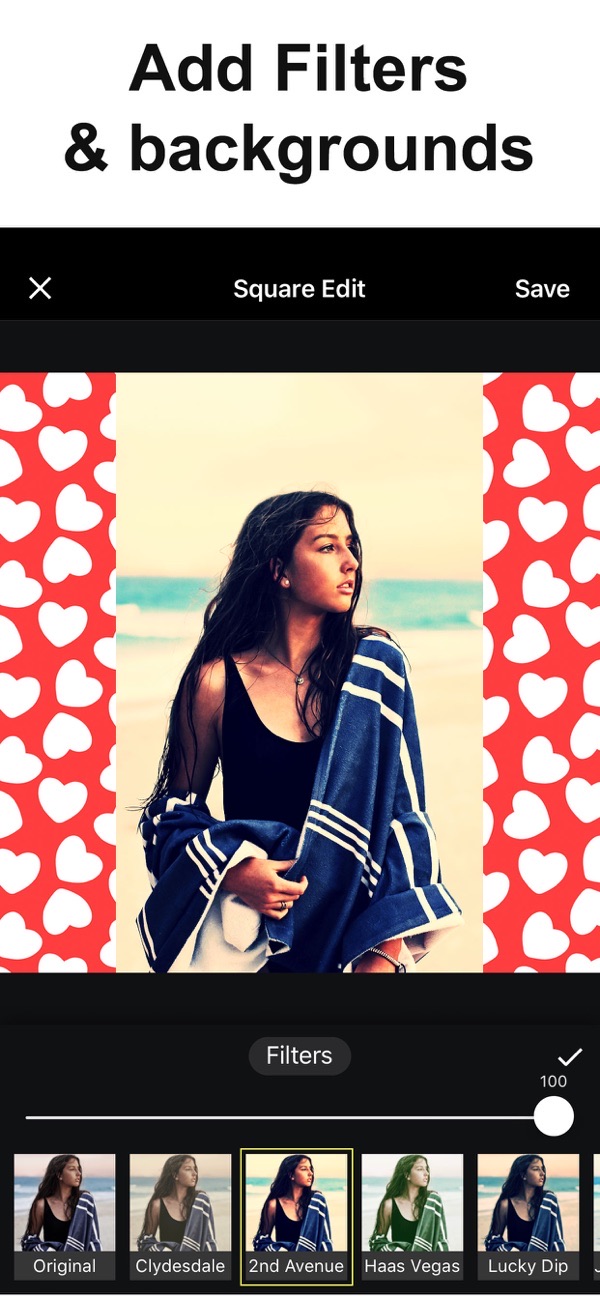
Choose from thousands of colors and 40 free pattern backgrounds, or use a blurred background, shapes, rounded edges and shadow to make your post pop.
Add music to your video
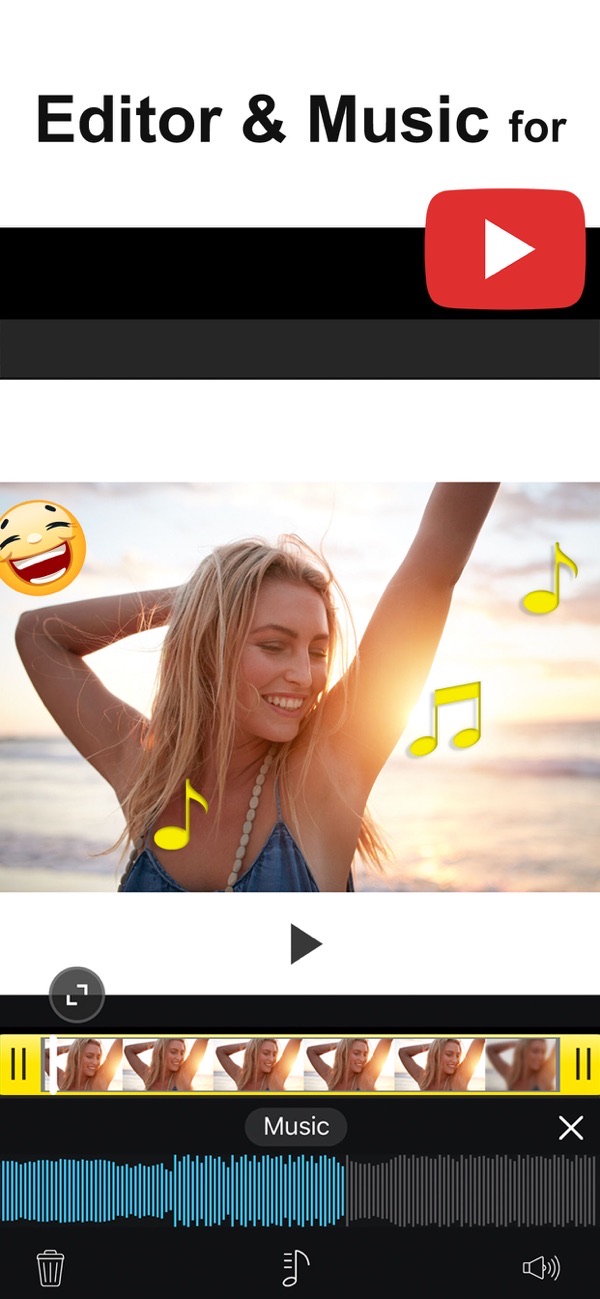
Add your own music or pick from over 100 songs across different genres, and sync the sound to your video.
Filters, text and stickers
Apply over 30 free filters, add beautiful text with many fonts and styles, and finish with stickers to add flair to your creation.
Sizes for every social network
Export in sizes for Facebook and Instagram posts and stories, with high-resolution, print-quality output ready to save or share.
Frequently asked questions
Does it post to Instagram without cropping?
Yes. Your photo is fitted to the square canvas so it posts in full, without cropping.
Can I use it for videos too?
Yes. You can resize videos and add music to them, not just photos.
Can I add my own music?
Yes. Add your own music or choose from over 100 included songs.
Is it free?
Yes, it is free to use. A Premium subscription unlocks pro patterns, fonts, custom backgrounds and removes ads.


Get No Crop Photo Video Resize
Free to download on the App Store for iPhone and iPad.
New to this? Read our step-by-step guide: How to post a full-size photo to Instagram.