How to Post a Full-Size Photo to Instagram Without Cropping
Quick answer
To post a full photo to Instagram without cropping, fit it inside the square or portrait canvas instead of zooming in. Apps like No Crop and Square Fit add a background around your image so the whole thing fits, with no heads or edges cut off, then save a ready-to-post version.
A tall or wide photo rarely fits Instagram's frame, and the app tends to chop the edges when you upload. Fitting the whole image onto a padded canvas keeps every part of the shot in view while still meeting the size Instagram expects.
Can you do it with the built-in apps?
Instagram nudges you towards set aspect ratios, and iOS has no built-in way to pad a photo out to a square. The fix is to place your full image on a larger canvas and fill the gaps with a colour, a pattern, or a blurred version of the photo itself.
Step by step
Here is how to do it with No Crop.
- Install No Crop and choose the photo or video you want to post.
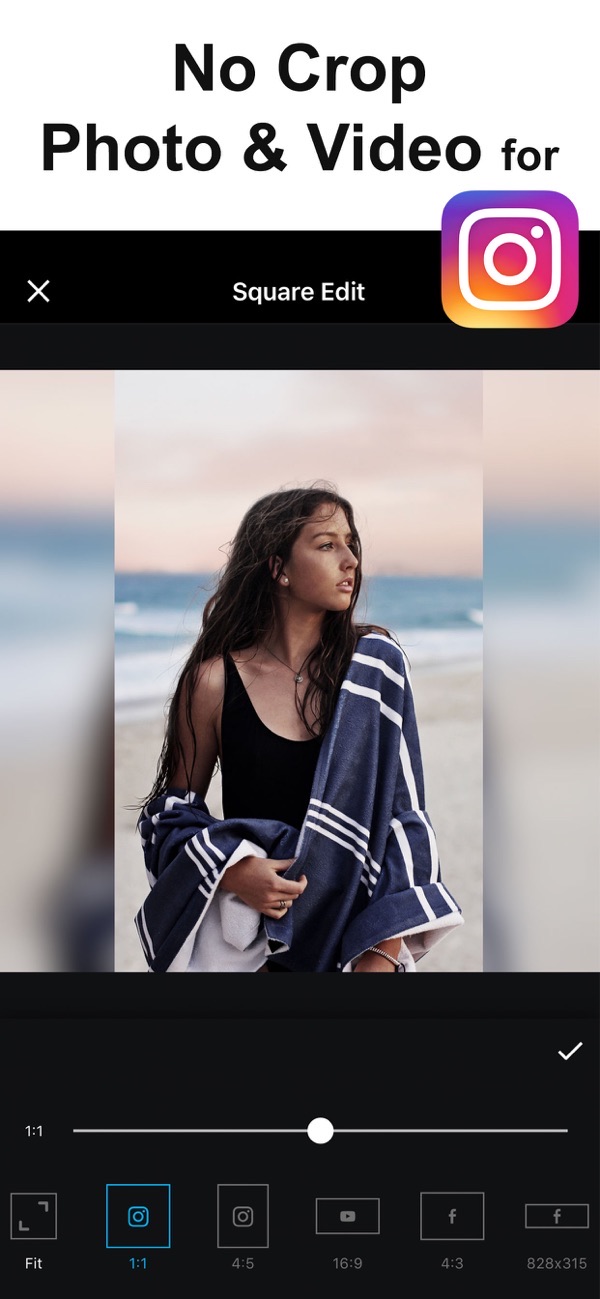
- Pick the canvas size for where it is going: 1:1 for a square post, 4:5 for portrait, or a story size. Your full image is fitted inside without cropping.
- Move, scale, rotate or flip the image to sit exactly how you like within the frame.
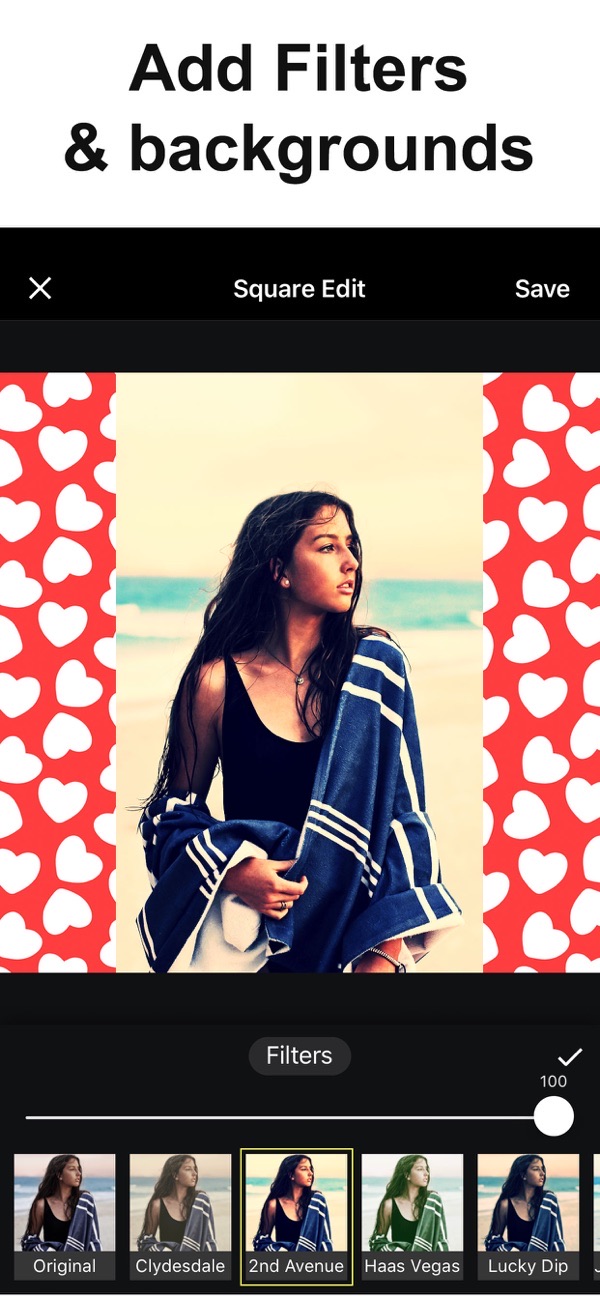
- Fill the space around it with a solid colour, a pattern, or a blurred version of your own photo for a soft edge.
- Add a filter, text or stickers if you want to dress it up.
- Save to your camera roll in high resolution, then share it to Instagram as usual.
Tips
- A blurred copy of the photo as the background keeps the post feeling cohesive rather than boxed in.
- Square Fit is a close companion app with the same idea and over 30 filters, if you want more background patterns and canvas presets.
- No Crop can also add music to a video before you post, so a clip is ready to share in one place.
Frequently asked questions
Will my photo lose quality?
No. You can export with high resolution, print-quality output.
Does it work for video too?
Yes. You can fit full-size video as well as photos, and even add music to a clip.
Is it free?
Yes. No Crop is free, with an optional subscription that unlocks extra patterns and fonts and removes ads.
Does No Crop add a watermark?
No. You can save your photo with no watermark, even on the free version.
Get No Crop
Free to download on the App Store for iPhone and iPad, with no watermark on what you save.

Keep editing
Make a photo collage
Combine up to 20 photos with free layouts and frames.
 Using Photo Collage Maker
Slideshow with photos and music
Turn photos and clips into a movie with music.
 Using Slideshow Maker
Remove a photo background
Cut out the subject and save a clean PNG, no watermark.
 Using Magic Eraser