
Magic Eraser — Remove Backgrounds & Objects from Photos
Join over 10 million creators removing backgrounds and unwanted objects in a tap, then saving in high-res PNG or JPG with no watermark.

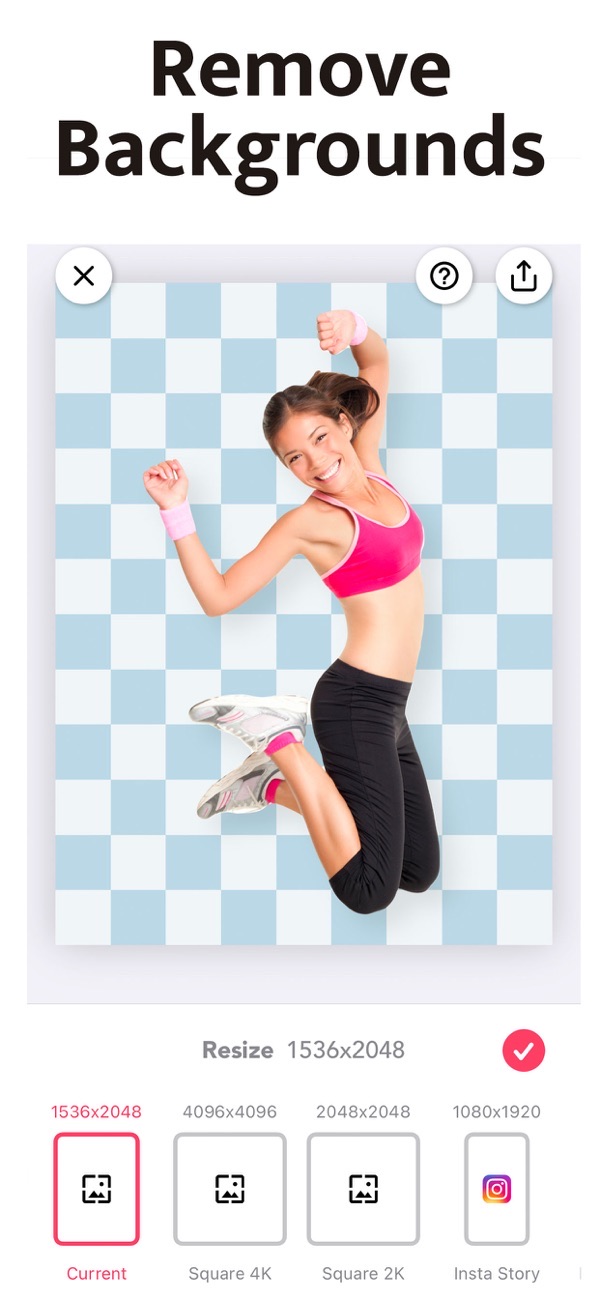


Magic Eraser is the most user-friendly background remover on the App Store, used by over 10 million creators. Instantly remove a background or an unwanted object with AI, fine-tune with smart editing tools, and save in high-resolution PNG or JPG — all without a watermark.
Remove a photo background in one tap
AI-powered removal lifts your subject off its background instantly. It is perfect for Instagram, Shopify, Pinterest and Etsy, where a clean cut-out makes your image stand out.
Erase unwanted objects from photos
Beyond backgrounds, you can brush away objects you do not want in the shot — and it can even remove watermarks like magic. Precision brushes with offset adjustment keep the edges accurate.
Save in high resolution with no watermark
Export your finished image as a high-resolution PNG or JPG. There is no watermark, even on the free version, so your visuals look professional everywhere.
Made for product listings and online selling
Create clean visuals for Etsy, eBay, Poshmark, Depop, Shopify and Amazon. Canvas presets for Instagram, Pinterest and LinkedIn size your image to each platform in a tap.
Add backgrounds, shadows and outlines
Drop your cut-out onto white, a solid color, a gradient or a custom image, then add realistic adjustable 3D shadows and stylish outlines. Combine multiple cut-outs into one collage for the perfect post.
Frequently asked questions
Does Magic Eraser add a watermark?
No. You can save in high resolution with no watermark, even on the free version.
Can it remove objects, not just the background?
Yes. As well as removing backgrounds, you can erase unwanted objects — and it can even remove watermarks.
What file formats can I save?
You can save your image as a high-resolution PNG or JPG.
Is Magic Eraser free?
Yes, it is free to download and use. An optional subscription unlocks all brush shapes and removes ads.



Get Magic Eraser Background Editor
Free to download on the App Store for iPhone and iPad.
New to this? Read our step-by-step guide: How to remove the background from a photo.