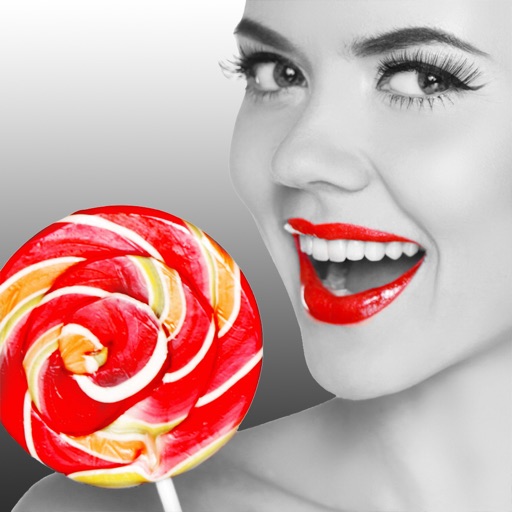
Selective Color — Color Splash Photo Effect
Highlight parts of a photo in color while the rest stays black and white — a dramatic color-splash effect, edited and saved in high resolution.

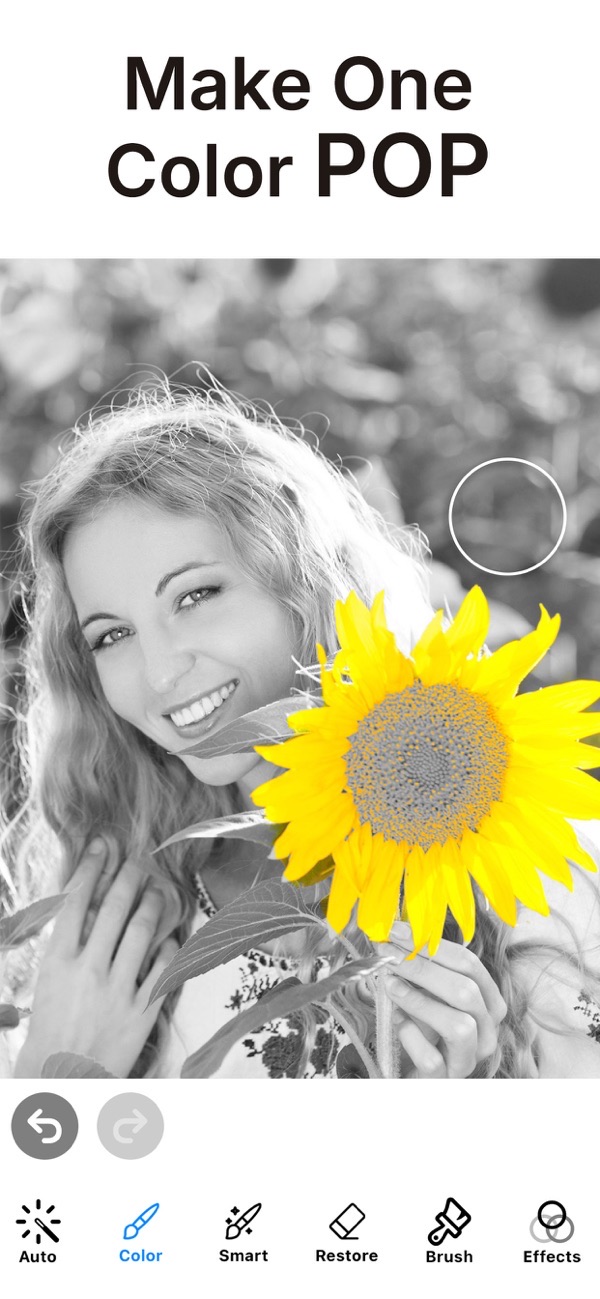
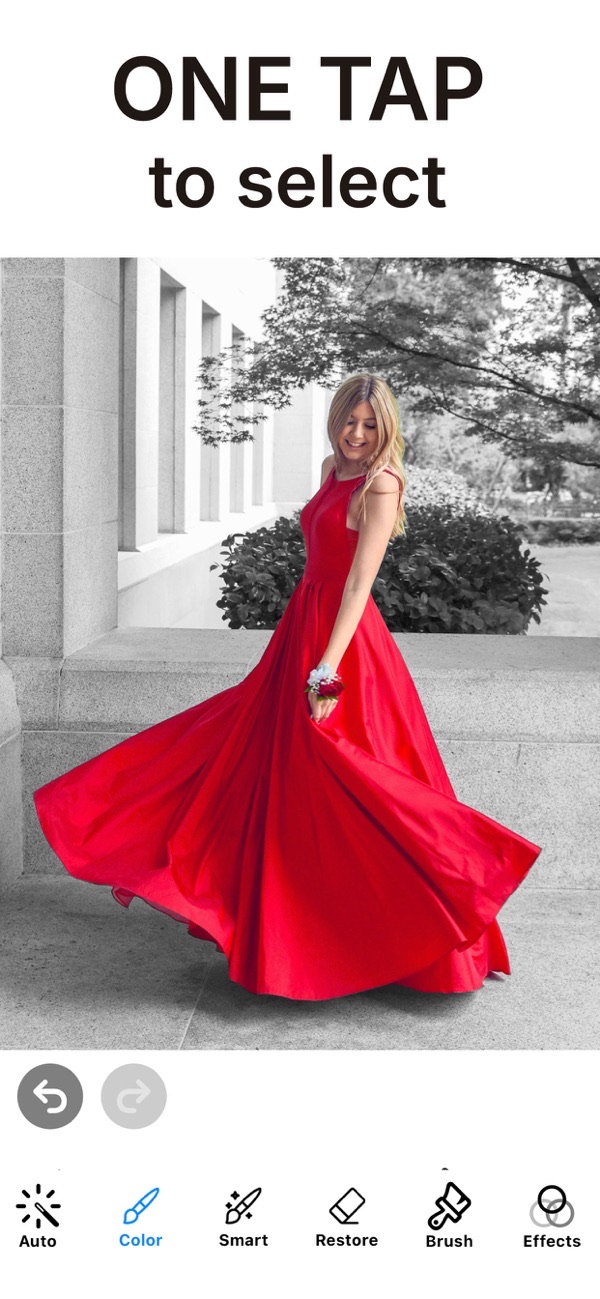
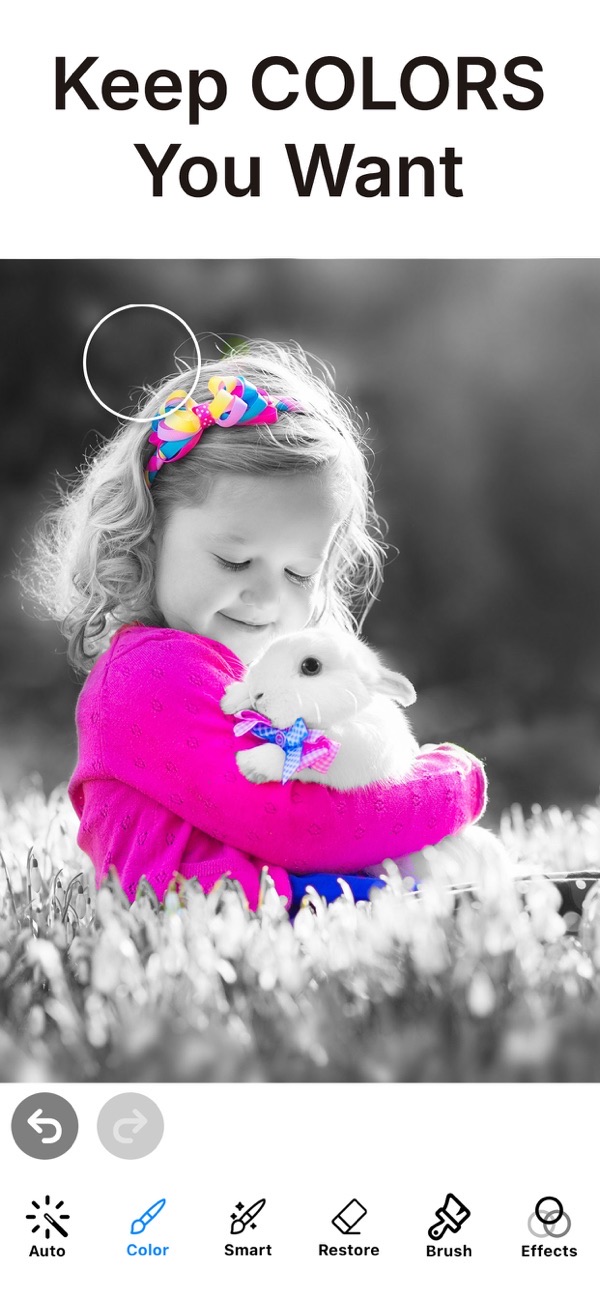
Selective Color creates dramatic, arty results by highlighting parts of an image in color while the rest stays in black and white. Editing is fast and smooth in real time, and unlike many apps you work at high resolution rather than with a fuzzy preview.
Create a color splash effect
Highlight the parts of your photo you want in color and leave the rest black and white. It is the classic color-splash look, done quickly with precise control.
Grayscale and sepia options
As well as black and white, you can use grayscale and sepia for the untouched areas, with soft and hard brushes to suit the edges you are painting.
Edit in high resolution
Edit and save at high resolution — an enhanced zoom feature offers excellent precision so you can color right up to fine edges without fuzziness.
Offset brush and easy rotation
An offset brush with adjustment keeps your finger out of the way, and you can rotate the image for easier editing without turning your device.
Make arty wallpapers
Create your own wallpaper from your photos — simply choose the wallpaper size when cropping. Save to your camera roll in low or high resolution.
Frequently asked questions
Can I use sepia as well as black and white?
Yes. You can choose grayscale or sepia for the areas you leave uncolored.
Does it keep high resolution?
Yes. You edit and save at high resolution, with enhanced zoom for precision.
Can I undo a mistake?
Yes. An undo feature lets you step back while you work.
Is it free?
Yes, saving in high resolution is free with no watermark. A Premium subscription unlocks all color effects and removes ads.

Get Selective Color Photo Effect
Free to download on the App Store for iPhone and iPad.