
Blur Photo — Blur Backgrounds, Faces & Objects
Blur out unwanted details, hide faces, remove blemishes and craft custom wallpapers — with pixel-perfect control and high-resolution output.

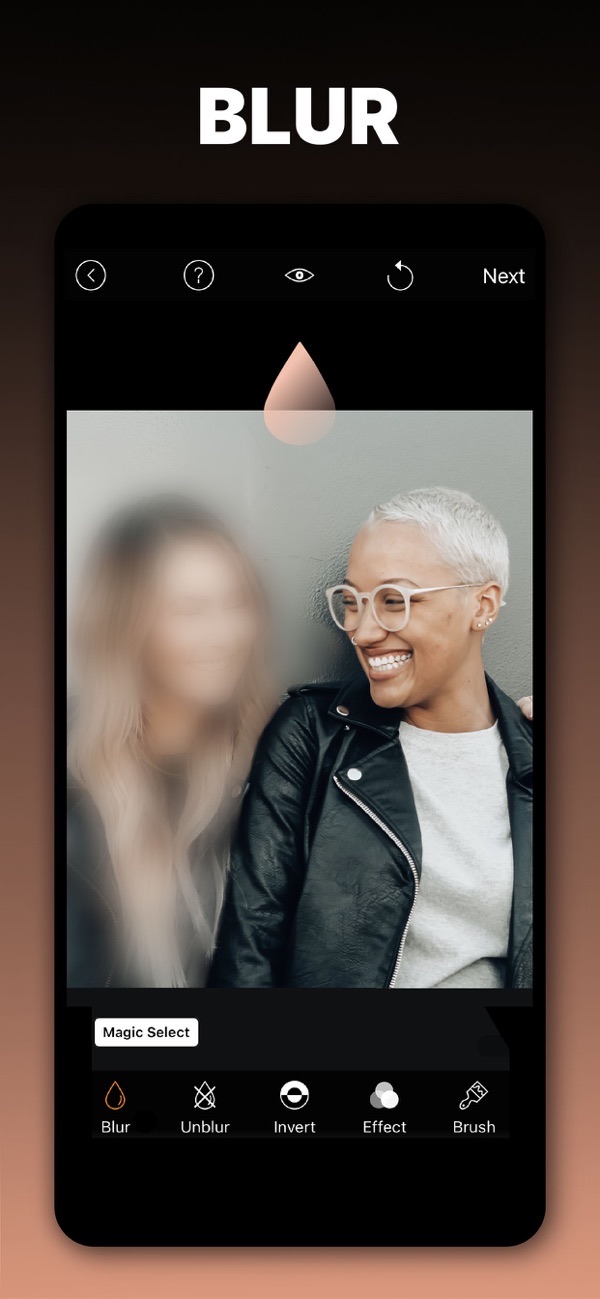
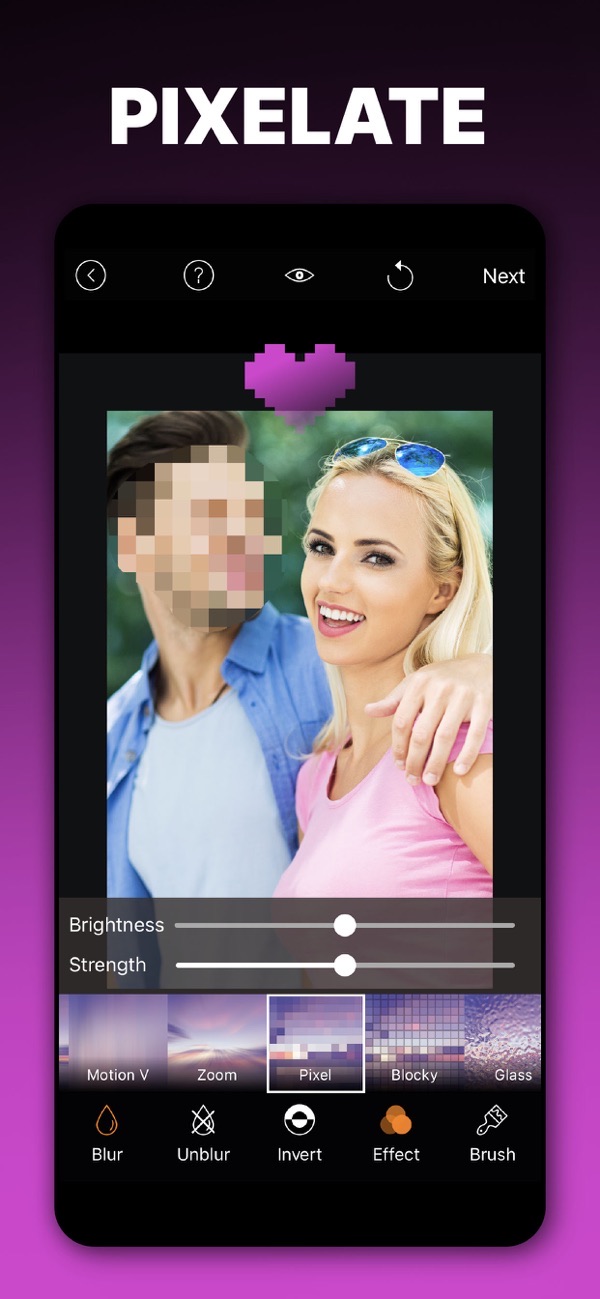
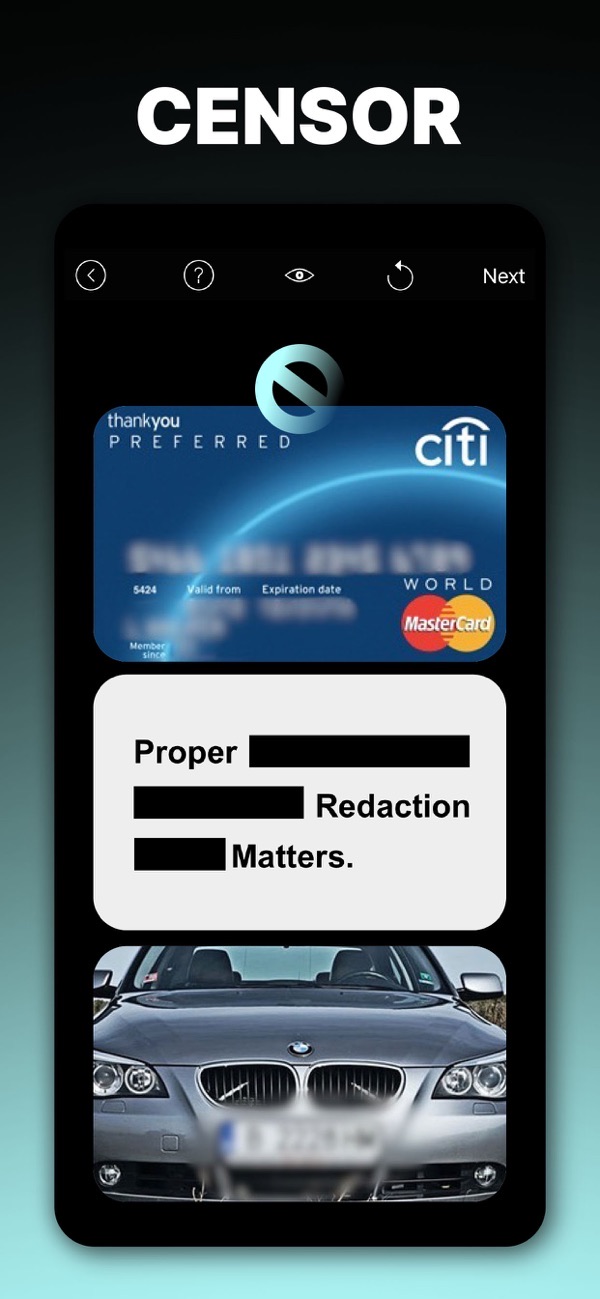
Blur Photo is a blur and photo editing app for hiding unwanted details, softening backgrounds and beautifying your images. Whether you are editing selfies, documents or backgrounds, you get powerful tools to blur and enhance while keeping full resolution and creative control.
Blur the background of a photo
Use the adjustable blur brush with soft and hard options, or a focus blur to draw attention exactly where it matters. High-resolution editing with deep zoom keeps every edge sharp.
Blur faces and objects automatically
AI smart detection finds and blurs faces, objects or backgrounds for you. It is a fast way to protect privacy before you post a photo online.
Invert blur to highlight your subject
Blur the entire image and then selectively unblur the part you want to feature. Brush offset keeps your finger out of the way for accurate results.
Retouch and refine your photo
Go beyond blur with a blemish remover, 13 custom filters and full adjustment tools. Rotate, undo and redo give you mistake-free control over every edit.
Create mosaic, halftone and blur wallpapers
Design unique wallpapers from your own photos with built-in cropping presets — just choose a wallpaper size when cropping. Export in 14 aspect ratios in high or low resolution.
Frequently asked questions
Can Blur Photo blur faces automatically?
Yes. AI smart detection finds and blurs faces, objects or backgrounds for you.
Does it keep my photo in high resolution?
Yes. You can edit and save in high resolution, with deep zoom for pixel-perfect precision.
Does it work on iPad?
Yes, Blur Photo runs on iPhone and iPad.
Is it free?
Yes, it is free to use. A Premium subscription unlocks all blur effects, all filters and removes ads.

Get Blur Photo Effect Background
Free to download on the App Store for iPhone and iPad.