Photo Editor — HSL Color & Skin Retouch Tools
A powerful photo editor with selective Hue, Saturation and Lightness controls, beauty retouching and 31+ adjustable filters to keep your feed consistent.

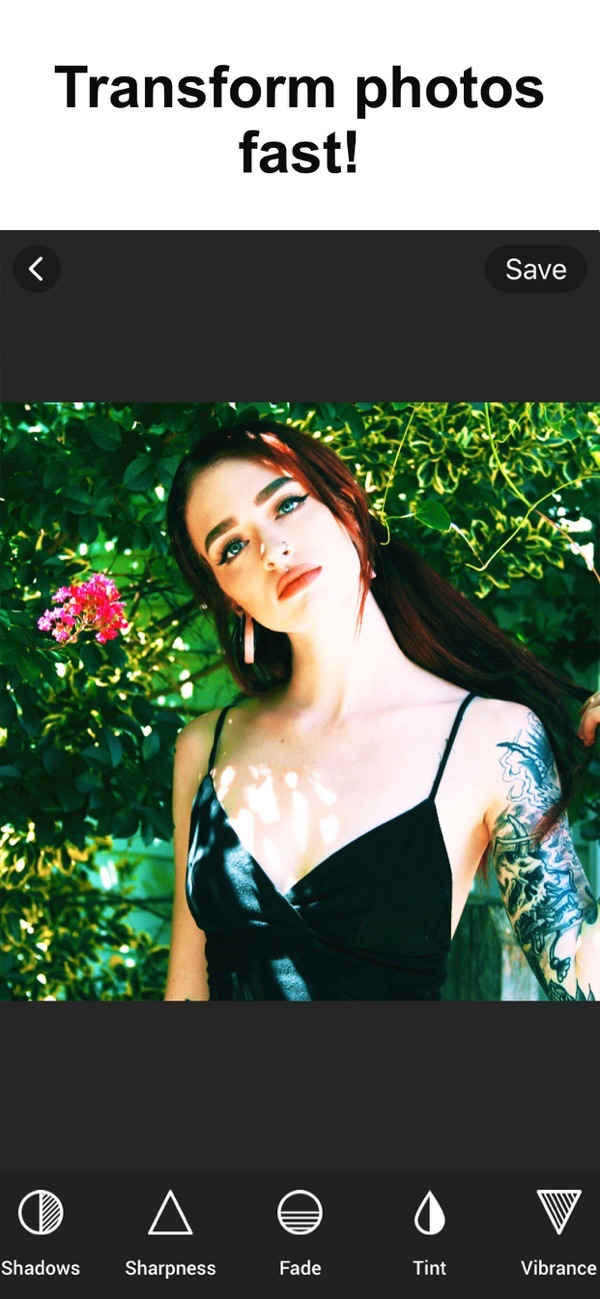
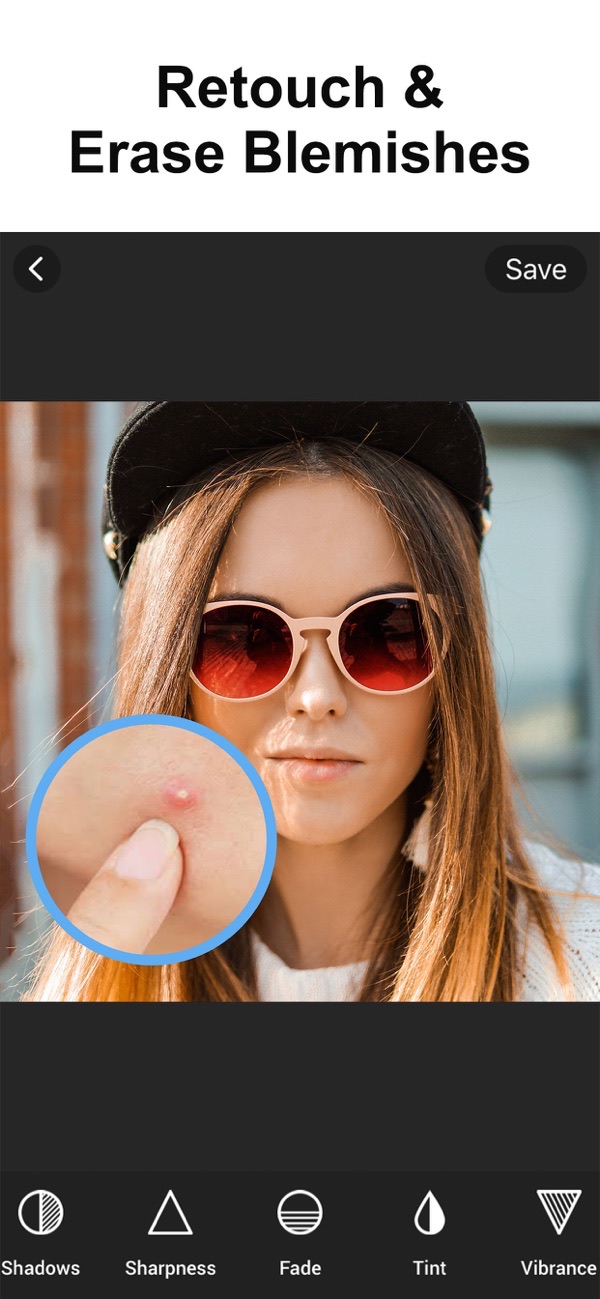
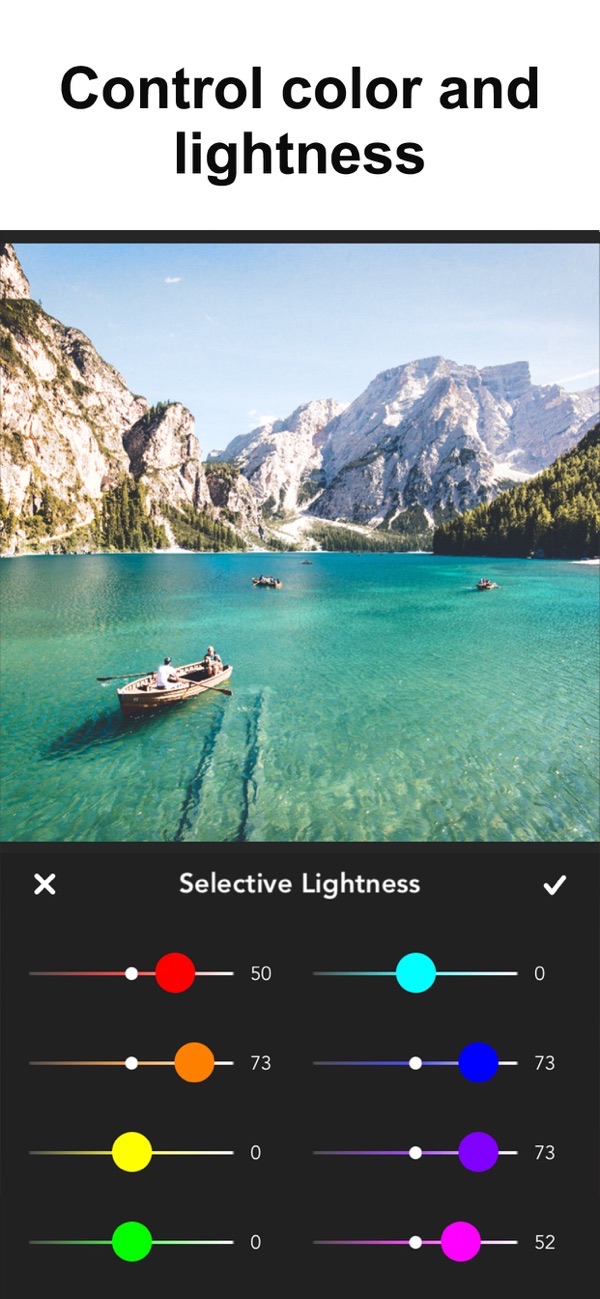
Photo Editor combines powerful editing with beauty tools so your creativity can shine. Crop and fix brightness, touch up your pictures, and use selective Hue, Saturation and Lightness to keep the colors in your photo grid consistent.
Selective HSL color editing
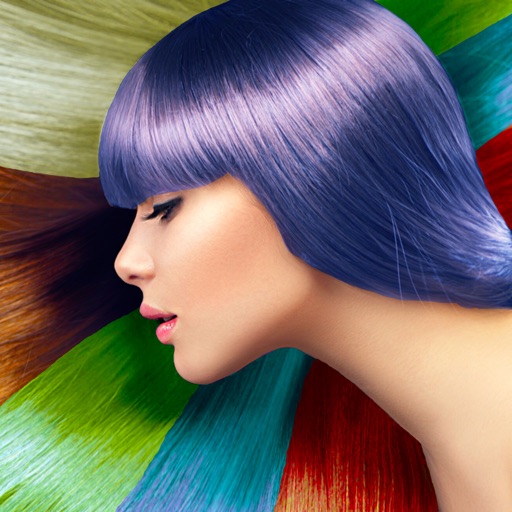
Use Selective Hue, Saturation and Lightness to increase or decrease a range of colors, so you can keep your Instagram look consistent across your whole grid.
Full set of adjustment tools
Fine-tune Exposure, Brightness, Contrast, Highlights, Shadows, Saturation, Vibrance, Grain, Fade, Vignette and Sharpness for complete control over the image.
Skin and beauty retouching
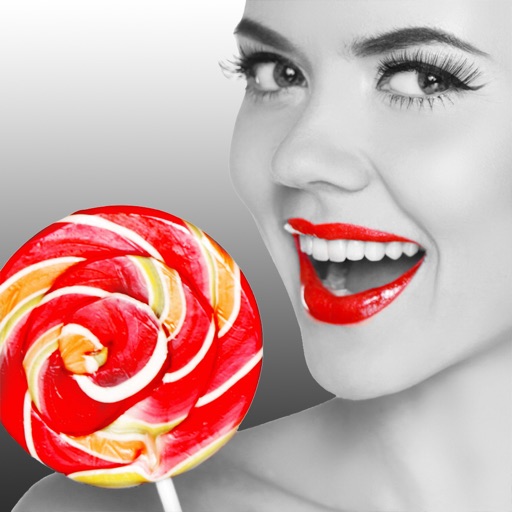
Touch up your photos with a blemish remover, whiten teeth and remove redeye to get portraits looking their best.
31+ adjustable filters
Choose from over 31 fully adjustable filter presets to do the hard work for you, then dial each one in to taste.
Crop, transform and add borders
Crop with 15 different canvas sizes, rotate, flip vertically or horizontally, straighten, and add square borders ready for social media.
Frequently asked questions
What does HSL do?
HSL lets you adjust a specific range of colors by Hue, Saturation and Lightness, which is great for keeping a consistent look across photos.
Can I retouch skin?
Yes. There is a blemish remover, teeth whitening and redeye removal.
Does it work on iPad?
Yes, Photo Editor runs on iPhone and iPad.
Is it free?
Yes, it is free to use. A Premium subscription unlocks all filters, square borders, the selective HSL tools and removes ads.
Get Photo Editor: HSL & Skin Tools
Free to download on the App Store for iPhone and iPad.
New to this? Read our step-by-step guide: How to remove blemishes and retouch skin.