
Blur-Video — Blur Faces & Objects in Video
Protect privacy by blurring faces, logos or objects in your video, with auto-tracking that keeps the blur locked on as things move.

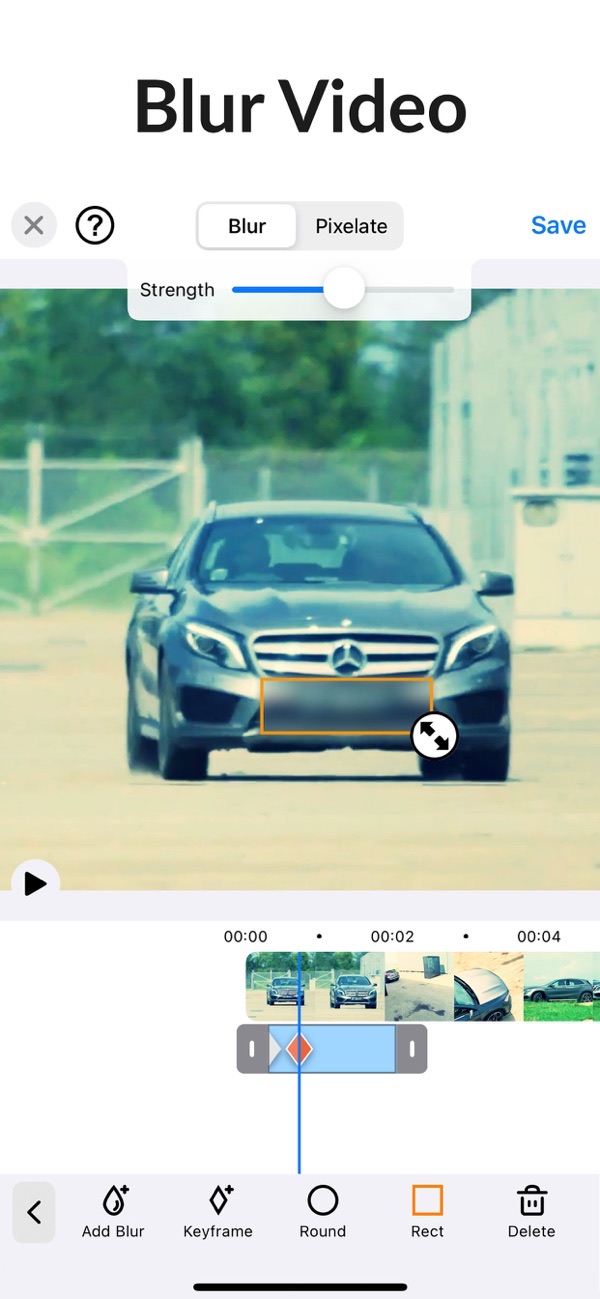
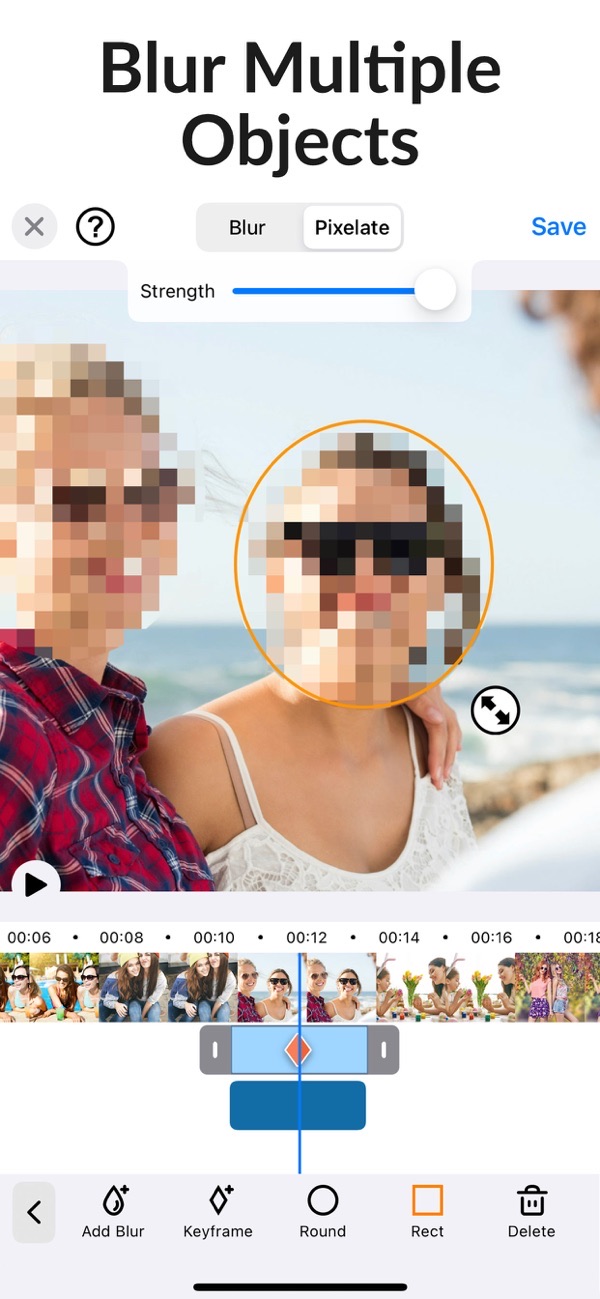
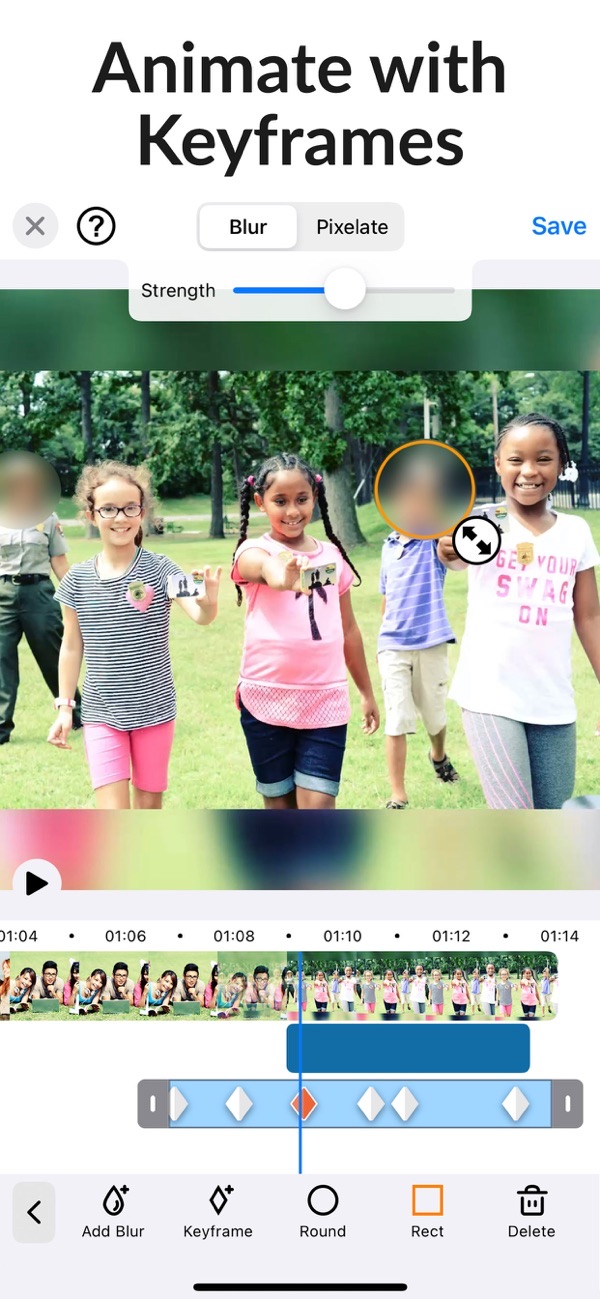
Blur-Video helps you protect privacy by blurring faces, logos or objects in the background of your footage. Built-in auto-tracking gets your blurring done fast, so it is ready for YouTube, TikTok and any other social platform.
Blur a face in a video
Blur or pixelate faces and any other unwanted objects or areas in your clip. It is the quick way to keep bystanders, kids or sensitive details private before you share.
Auto-tracking follows moving subjects
Auto tracking locks the blur onto a face or object and follows it as it moves through the video, so you do not have to reposition it frame by frame.
Blur more than one area at once
Unlike many apps, you can define more than one area to blur or pixelate using ellipse or rectangle shapes. Blur several faces or objects in the same clip.
Adjust intensity, duration and feathering
Set the duration of each blur area and adjust how strong the blur is. Feathering softens the edges for a natural result, and offset touch control keeps your finger out of the way.
Made for YouTube, TikTok and social
Blur-Video is built for the videos you post to YouTube, TikTok and other social media, where hiding a face, logo or house number matters.
Frequently asked questions
Can it track a moving face?
Yes. Auto tracking locks onto a face or object and follows it as it moves through the video.
Can I blur more than one area?
Yes. You can define multiple blur areas using ellipse or rectangle shapes in the same clip.
Does it work on iPad?
Yes, Blur-Video runs on iPhone and iPad.
Is it free?
Yes, it is free to use. You can blur, pixelate and follow a moving face with keyframes without paying, and there is no watermark on what you export. A PRO subscription adds auto-tracking and feathering, and removes ads.



Get Blur-Video
Free to download on the App Store for iPhone and iPad.
New to this? Read our step-by-step guide: How to blur a face in a video on iPhone.