Overlay — Superimpose, Mask & Blend Photos with AI
Cut out any subject with AI, then stack, blend and superimpose photos into layered designs — with blend modes, masks, text, shadows and glow.

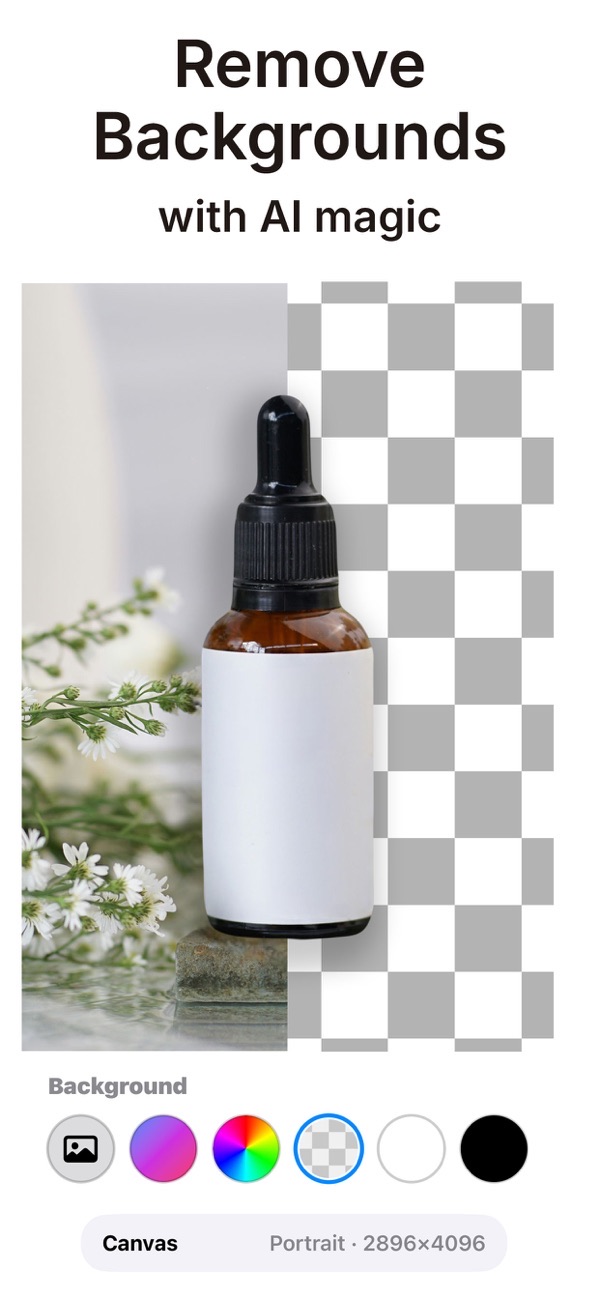
Overlay is a creative canvas for layered designs, custom stickers and social content. Use the AI background remover to cut out any subject instantly, then stack, blend and superimpose your photos with professional blend modes, text, shapes and finishing effects until your vision comes to life.
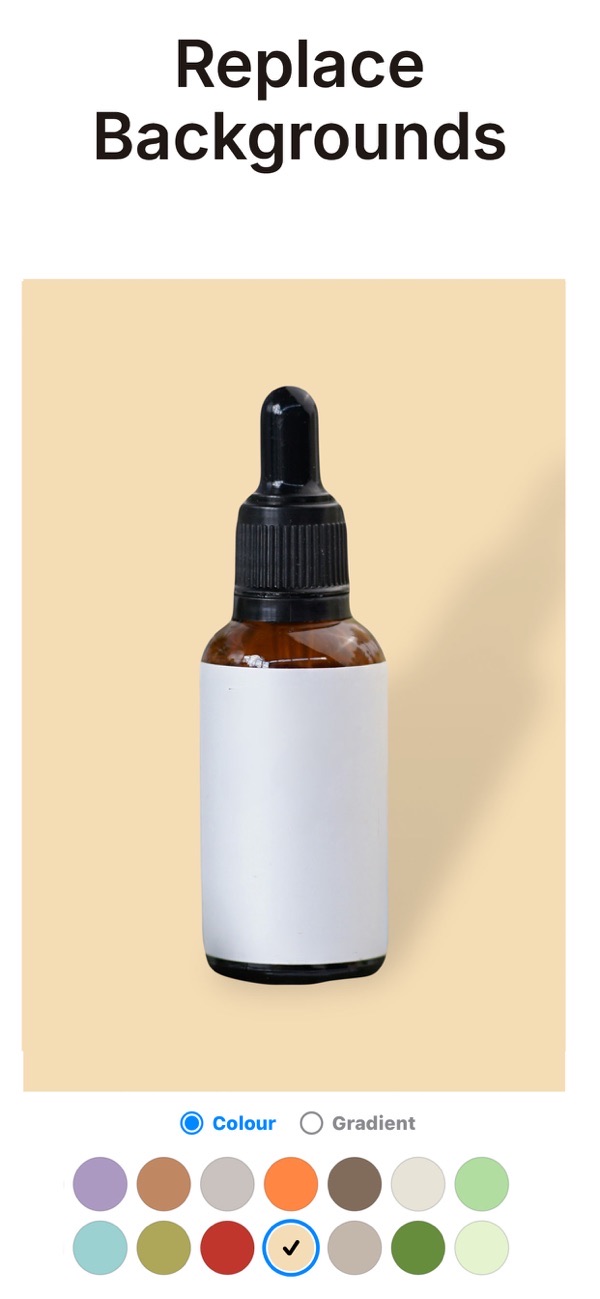
Superimpose photos and erase backgrounds
Erase the background from a photo and superimpose your subject onto any other image. Adjust opacity and position until the composite looks just right.
AI cutouts remove any background instantly
The AI background remover cuts out any subject automatically with industry-leading precision — no careful tracing needed to isolate a person or object.
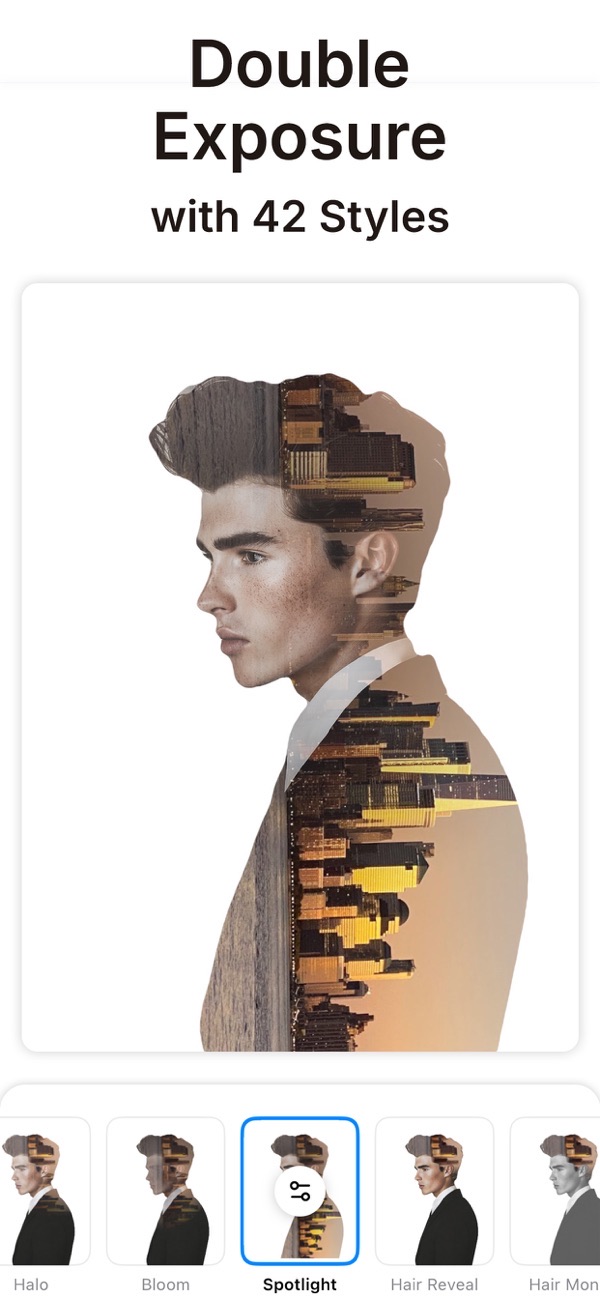
Blend modes for double-exposure effects
Mix images with 18 professional blend modes — Multiply, Screen, Overlay and more — for double-exposure and other unique artistic effects.
Layer photos, text, shapes and stickers
Stack photos, text and shapes into layers you can reorder and tweak anytime. Save your favourite cutouts as custom stickers to reuse in future projects.
Cast shadows, reflections and glow effects
Add depth with realistic cast shadows, reflections and glow, then finish with gradients, outlines and filters before exporting in high resolution.
Frequently asked questions
Can I superimpose one photo onto another?
Yes. Erase a photo's background, then superimpose your subject onto any other image and adjust opacity, position and more.
Does it remove backgrounds automatically?
Yes. The AI background remover cuts out any subject instantly, so you can start compositing without tracing by hand.
Can I blend two photos together?
Yes. There are 18 professional blend modes for double-exposure and other creative blending effects.
Is it free?
Yes, it is free to use. Overlay Premium unlocks unlimited access to the full set of premium content and features.

Get Overlay: AI Photo Design
Free to download on the App Store for iPhone and iPad.