
Magic Video Background Eraser — Remove Video Backgrounds on iPhone
Cut the subject out of any clip in seconds and drop in a new background — no green screen, no desktop software, all on your device.

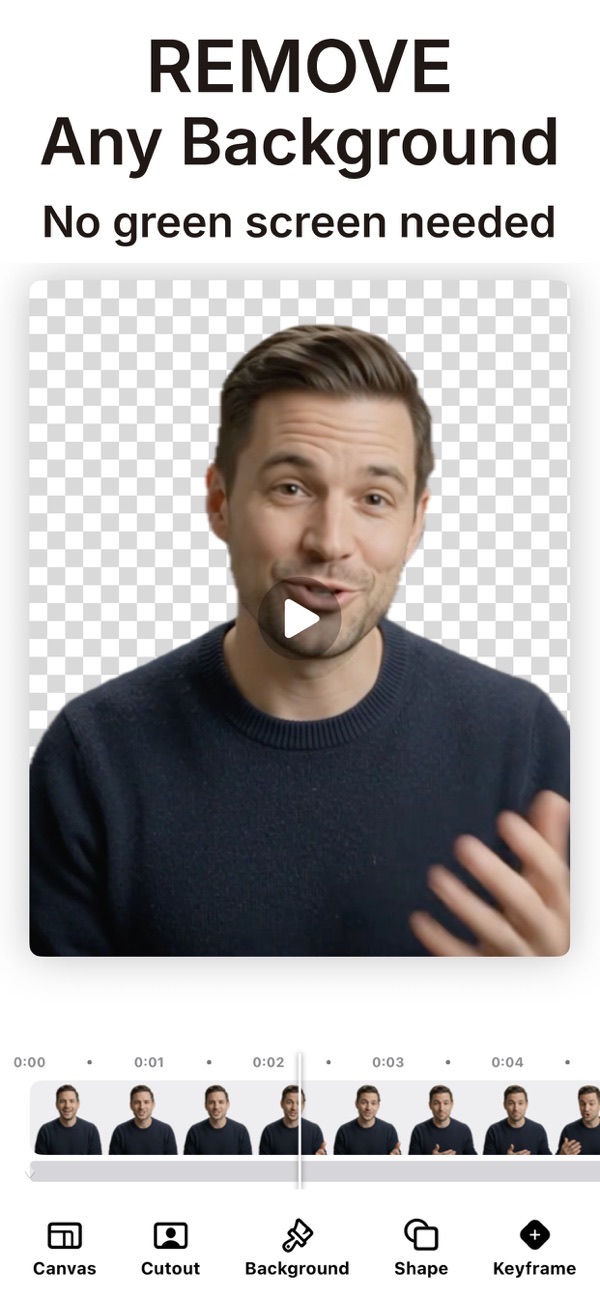
Magic Video Background Eraser removes the background from any video right on your iPhone or iPad. Pick a clip and on-device intelligence cuts out the subject in seconds, so you can drop in a new background or export your subject with no background at all — no studio and no editing skills required.
Remove the background from any video automatically
Bring in a clip and the app erases the background for you in seconds. There is no green screen to set up and nothing to trace by hand — just pick a video and watch the background disappear.
Export a video with a transparent background
Need your subject with no background at all? Export a true transparent video and layer it into your own edits, reels and presentations. It is built for creators who composite footage in other apps.
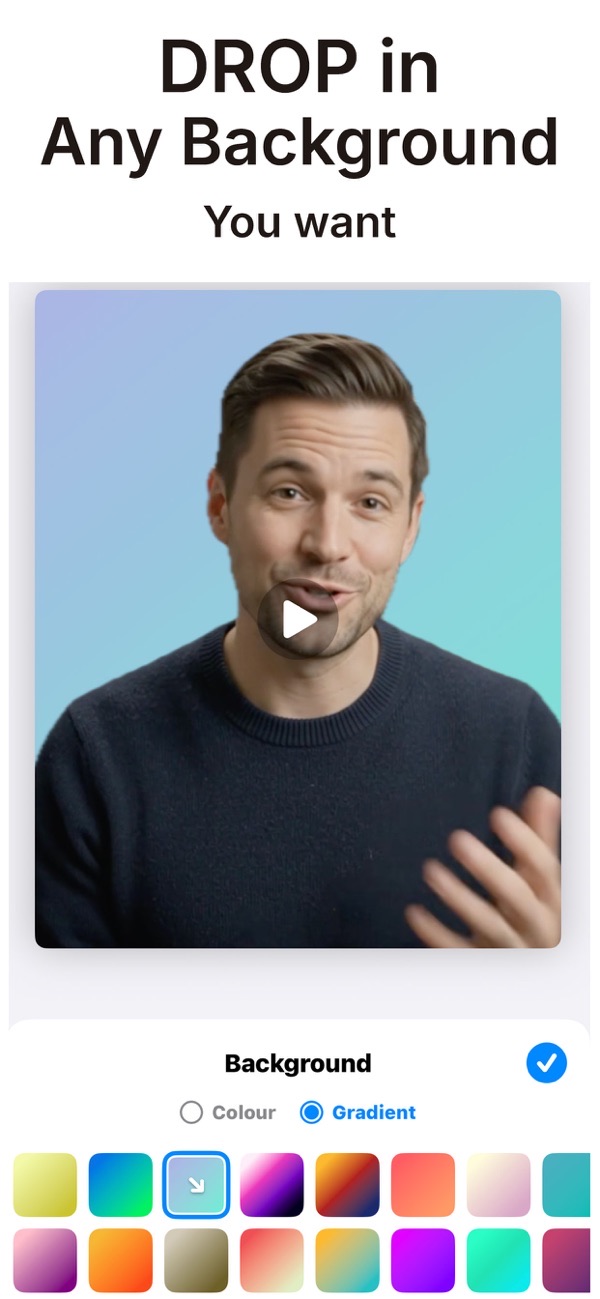
Drop your subject onto any background
Place your cut-out on a solid color, a smooth gradient, one of the ready-made scene backgrounds, or your own photo. Swap the look until it fits the story you want to tell.
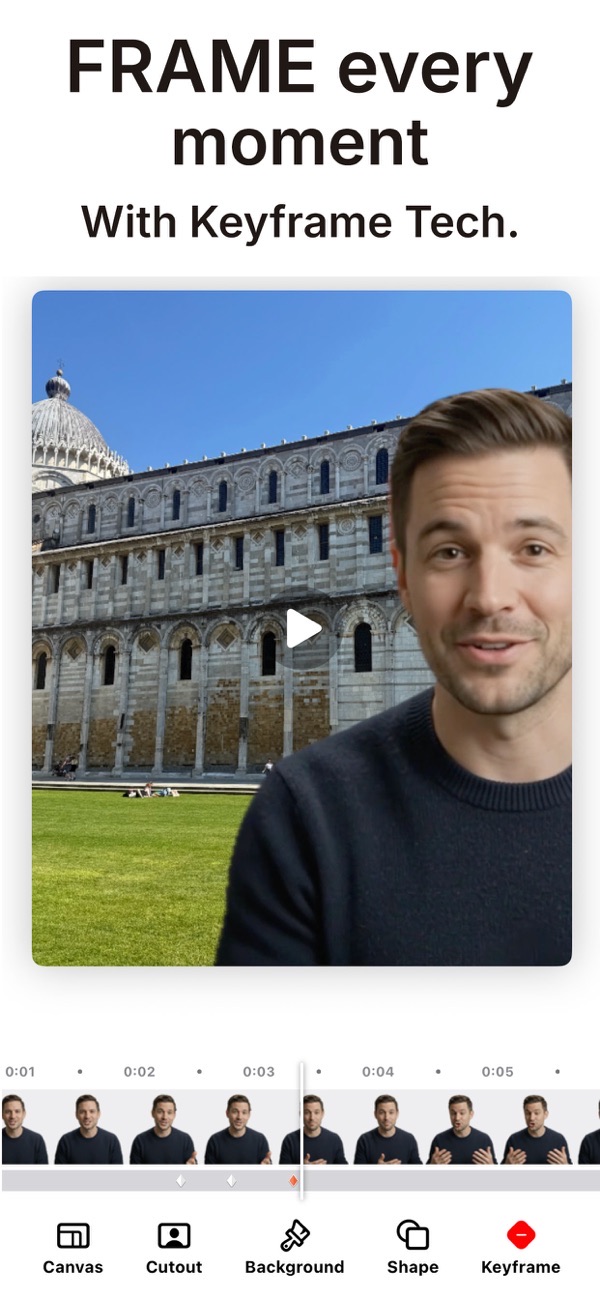
Frame and reposition with keyframes
Crop your video into clean shapes, then frame and move your subject exactly how you want using keyframes. Scrub the timeline to fine-tune every moment before you export in high quality.
Private by design — everything stays on your device
Every cut-out is processed on your device. Your videos are never uploaded and nothing is tracked, so private clips stay private while you edit.
Frequently asked questions
Do I need a green screen?
No. Magic Video Eraser removes the background automatically using on-device intelligence, so you can shoot anywhere with no green screen or special setup.
Can I export a video with a transparent background?
Yes. You can export a true transparent video to layer into your own projects. Transparent export and unlimited exports are unlocked with Magic Video Eraser Premium.
Are my videos uploaded anywhere?
No. All processing happens on your device — nothing is uploaded and nothing is tracked.
Does it work on iPad?
Yes. The app runs on iPhone and iPad with iOS or iPadOS 17.6 and later.



Get Magic Video Background Eraser
Free to download on the App Store for iPhone and iPad.
New to this? Read our step-by-step guide: How to remove a video background.