
Photo Collage Layout Maker — Grid & Freestyle Layouts
Combine up to 20 photos across more than 1000 grid and freestyle layouts, with scrapbook templates, 70+ frames, drawing tools and filters.

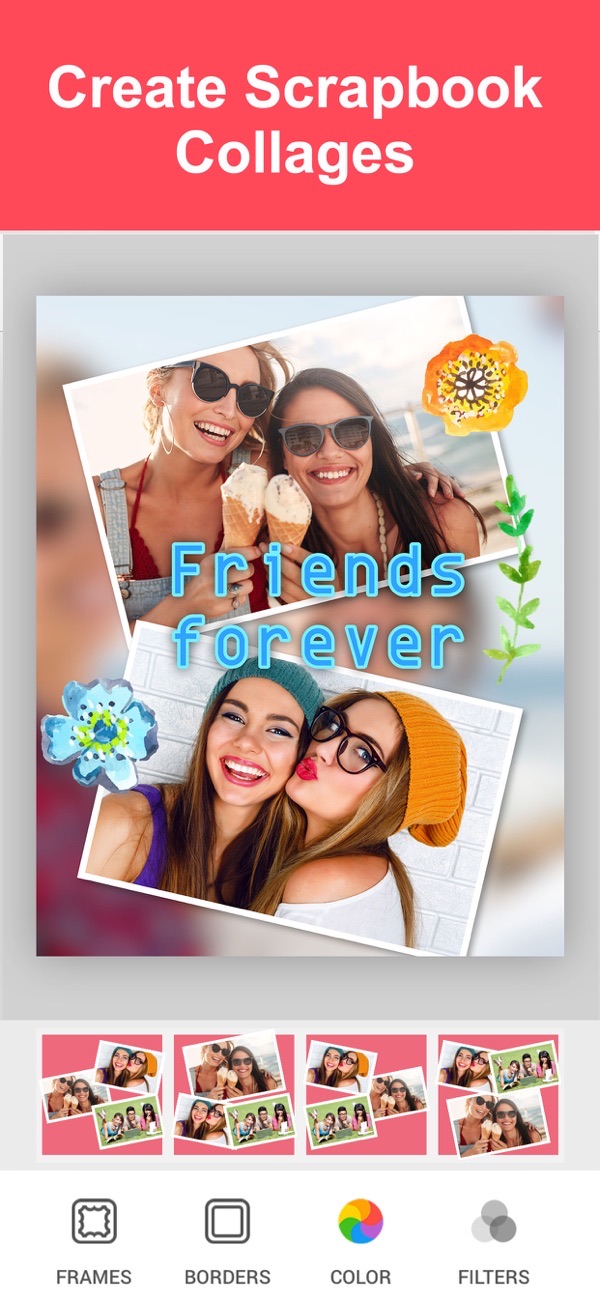
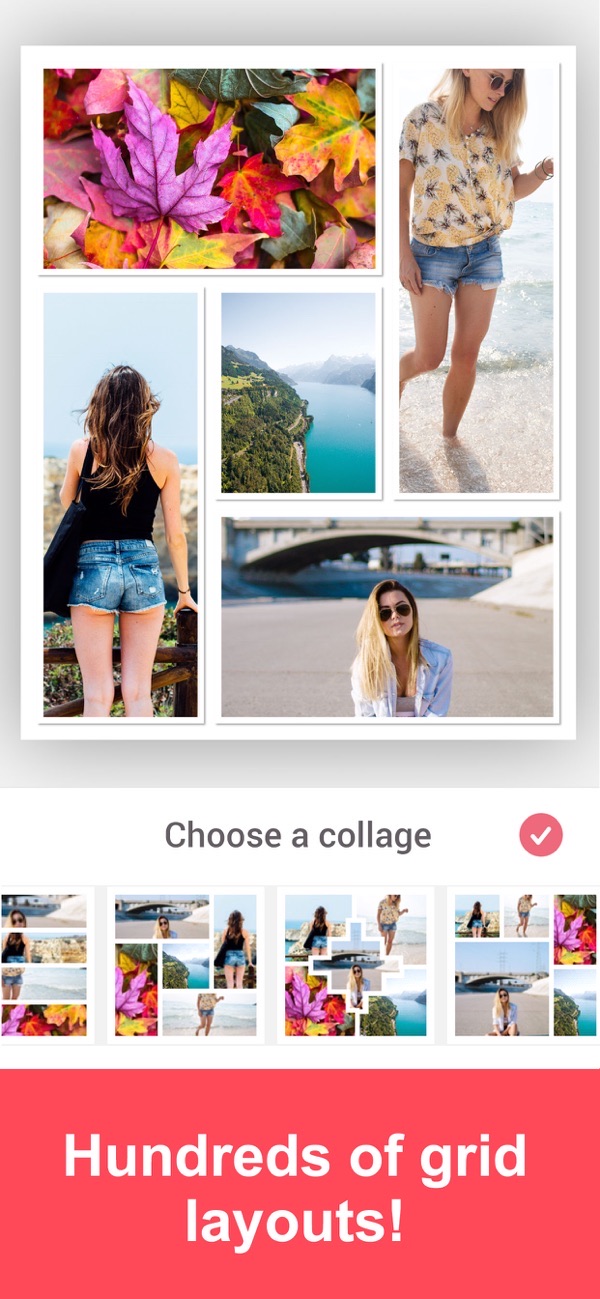
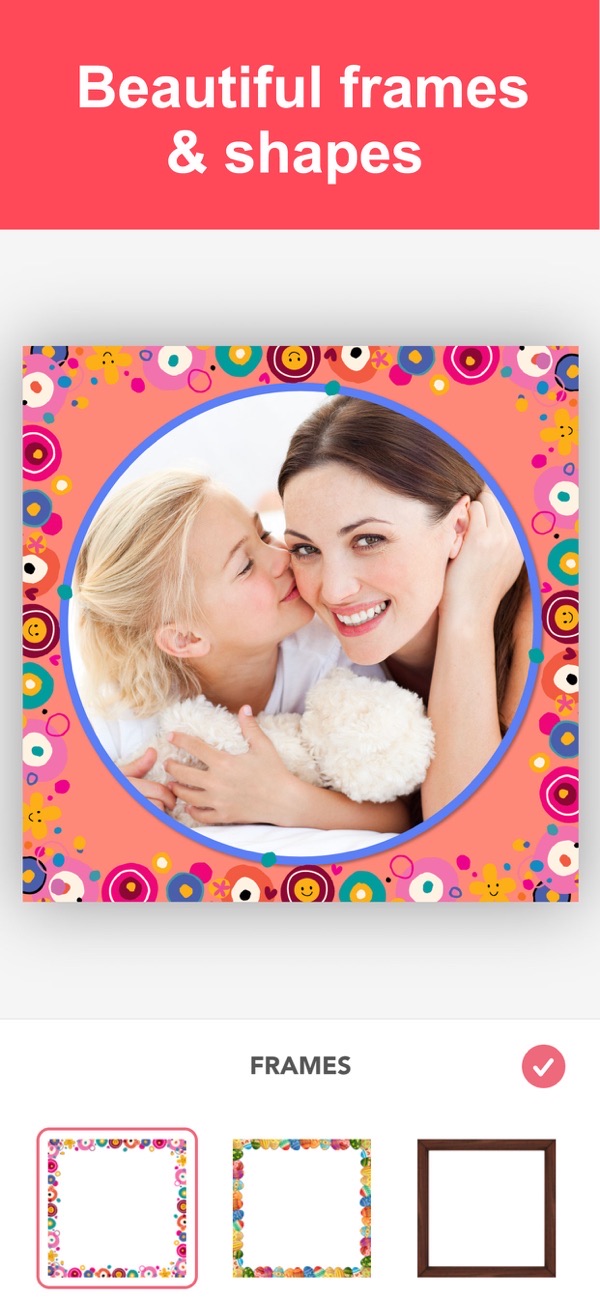
Photo Collage Layout Maker gives you more than 1000 free layout combinations, from clean grids to scrapbook-style templates. Edit and combine up to 20 photos with adorable backgrounds, frames, stickers and drawing tools, then share your creation on Facebook, Instagram and beyond — or use it for flyers and marketing.
Over 1000 grid and freestyle layouts
Pick from more than 1000 free layout combinations. Drop your photos into a tidy grid or arrange them freestyle for something looser and more personal.
70+ photo frames and 150+ borders
Frame your collage with over 70 photo frames and more than 150 pattern and color borders — including shadow borders you can scale, lighten, darken or blur.
Scrapbook-style collage templates
Build scrapbook pages for holidays, memories and photo books with themed templates and stickers for birthdays, Christmas, Easter and more.
Draw, add stickers and cut out photos
Draw directly on your collage, add themed stickers, or make your own by cutting out part of a photo to reuse anywhere in the design.
30+ filters and a full photo editor
Apply more than 30 filters, adjust each photo in a comprehensive editor, and caption everything with a powerful text editor and many fonts.
Frequently asked questions
How many layouts are there?
There are over 1000 free layout combinations, spanning both grid and freestyle arrangements plus scrapbook-style templates.
Can I draw on my collage?
Yes. Drawing tools let you add doodles and notes directly onto your collage.
Can I make custom stickers?
Yes. You can create your own stickers by cutting out part of a photo, then reuse them across your design.
Is it free?
Yes, it is free to use. A Premium subscription unlocks all stickers, 50+ pro patterns, pro fonts, custom photo backgrounds and removes ads.

Get Photo Collage Layout Maker
Free to download on the App Store for iPhone and iPad.