Scrapbook Photo Collage & Layout Editor
Make scrapbook-style collages, posters and social posts with Grid, Freestyle and Stitch modes, 150+ layouts, 300+ stickers and cinematic filters.

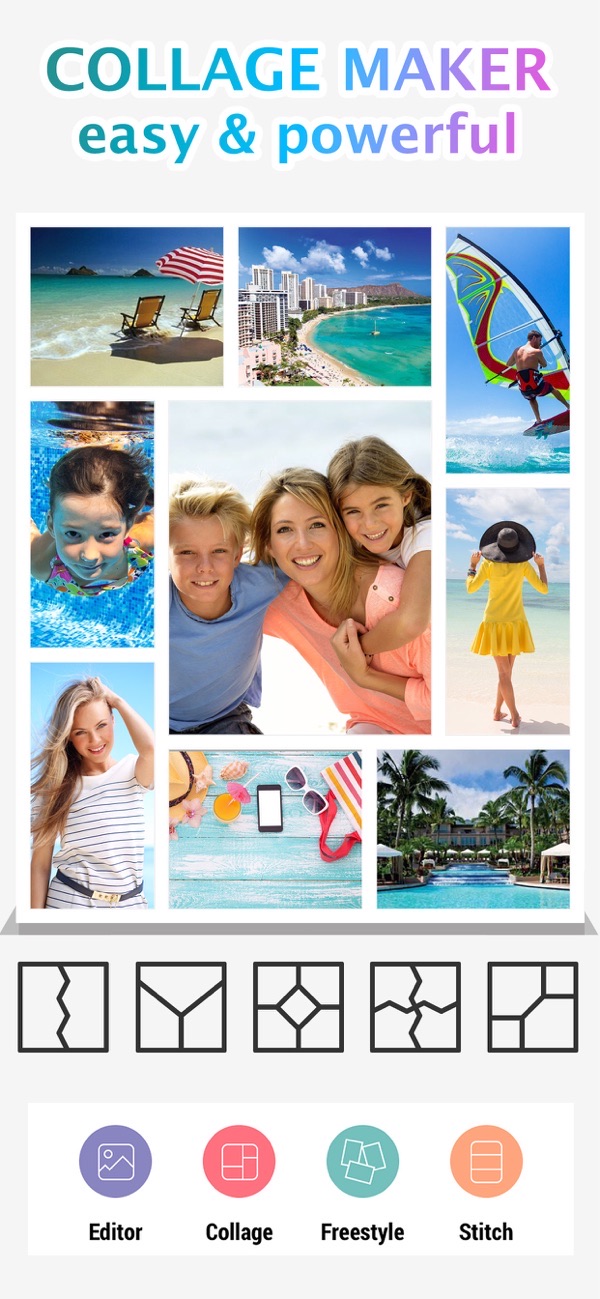
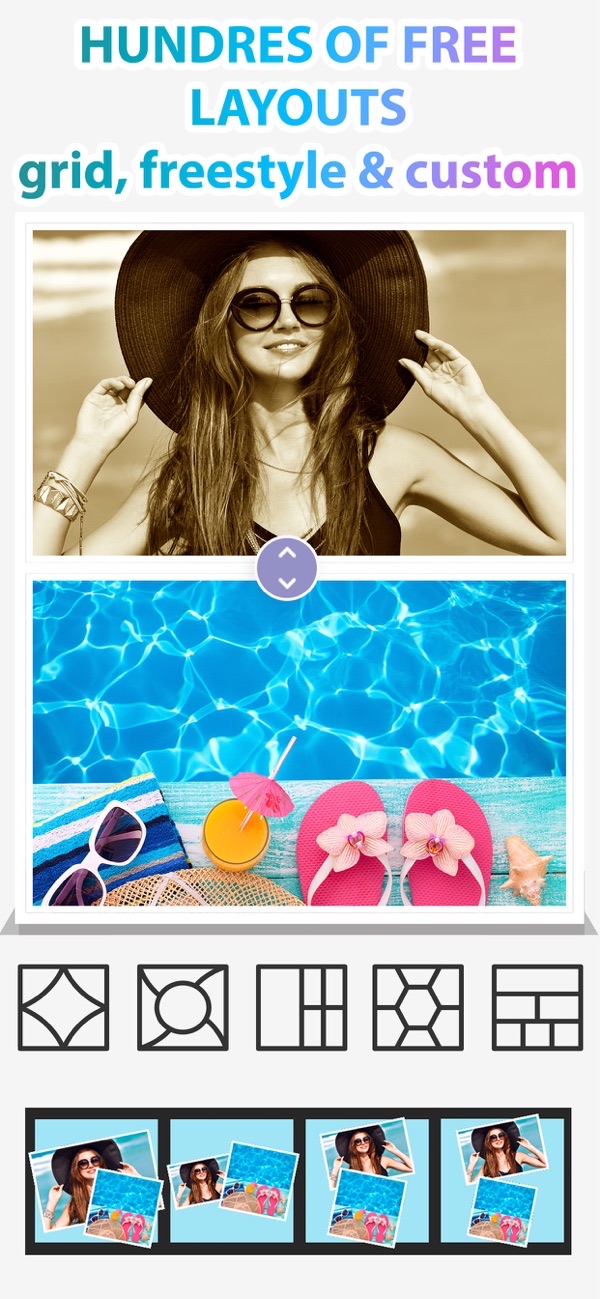
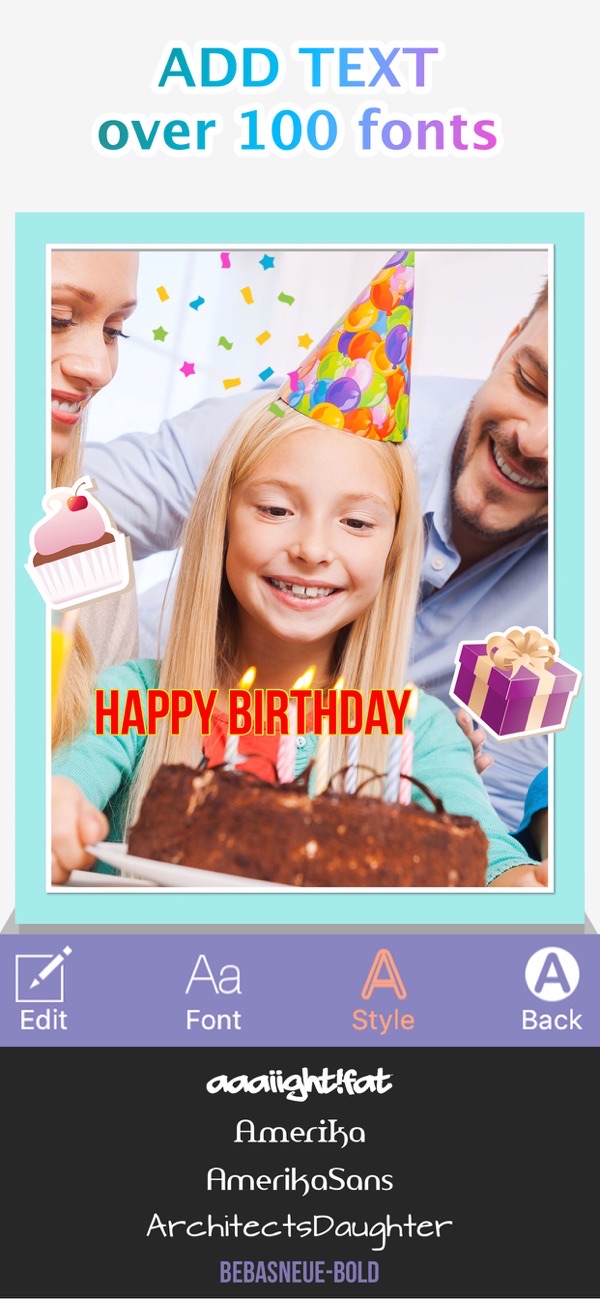
Photo Collage Montage & Layout is a scrapbook-style collage and layout editor for making stunning collages, flyers and social posts in seconds. Combine up to 20 photos across Grid, Freestyle and Stitch modes, enhance them with cinematic filters, then add stickers, patterns, frames and text with simple one-tap editing.
Grid, Freestyle and Stitch collage modes
Switch between Grid, Freestyle and Stitch modes for complete creative freedom — snap photos into a tidy grid, scatter them freestyle, or stack them into a stitched strip.
Combine up to 20 photos with 150+ layouts
Bring together up to 20 photos across more than 150 beautifully designed layouts, so every collage fits the moment you are telling.
300+ stickers, 140+ patterns and frames
Add personality with over 300 stickers and more than 140 patterns, frames and shapes, plus custom text with fonts, gradients and shadows.
Design posters, flyers and social posts
Beyond memories, build eye-catching business flyers, posters and promotional designs, or posts sized for Instagram, TikTok and Pinterest.
30+ cinematic filters and pro editing tools
Enhance every photo with pro editing tools and more than 30 cinematic filters for a polished, share-ready finish.
Frequently asked questions
What collage modes are there?
You can build collages in Grid, Freestyle or Stitch mode, giving you tidy grids, loose freestyle arrangements or stacked photo strips.
Can I make posters or flyers?
Yes. As well as photo collages, the app is built for business flyers, posters, promotional designs and social posts.
How many photos can I combine?
You can combine up to 20 photos across more than 150 layouts.
Is it free?
Yes, it is free to use. A Premium subscription unlocks all layouts and premium filters, seasonal sticker packs and an ad-free experience.


Get Photo Collage Montage & Layout
Free to download on the App Store for iPhone and iPad.