
Photo Collage Maker — Combine Photos into Framed Grids
Quickly combine multiple photos into one beautifully framed picture, with over 1000 free layouts, frames, borders and text to tell your story.

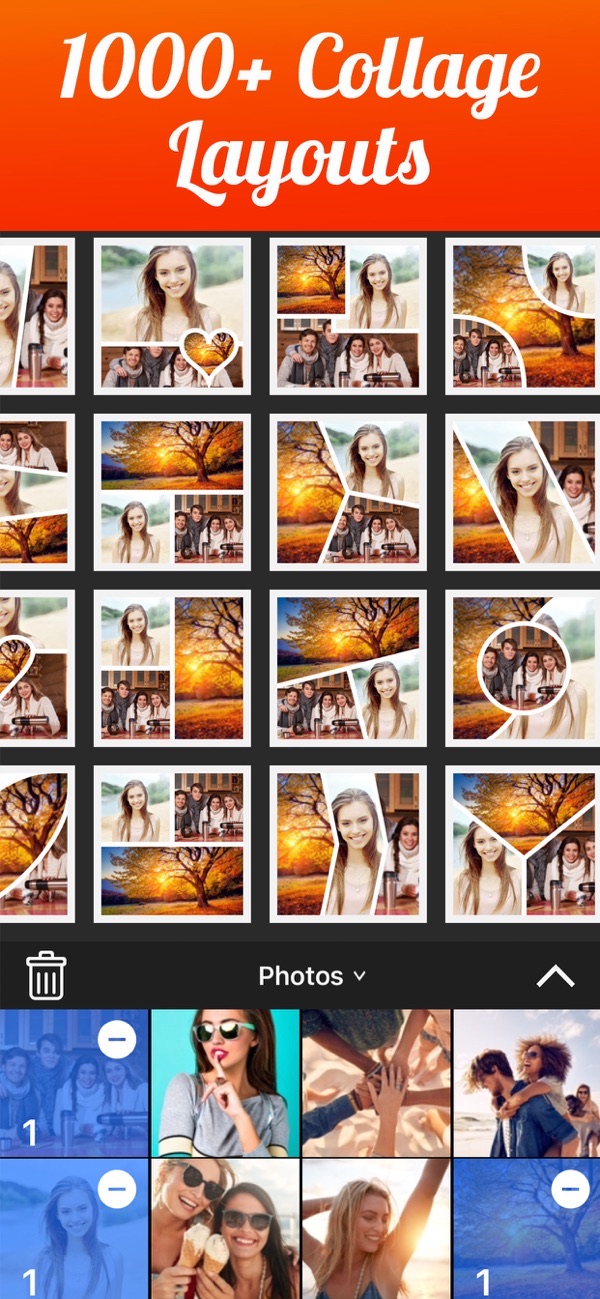
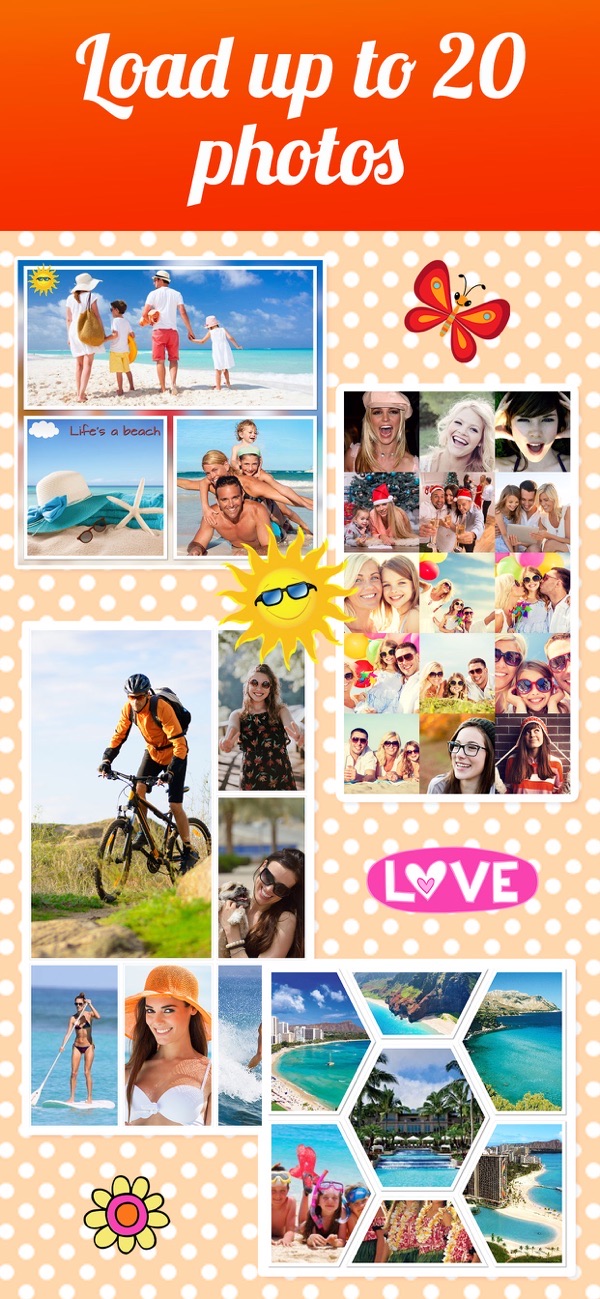
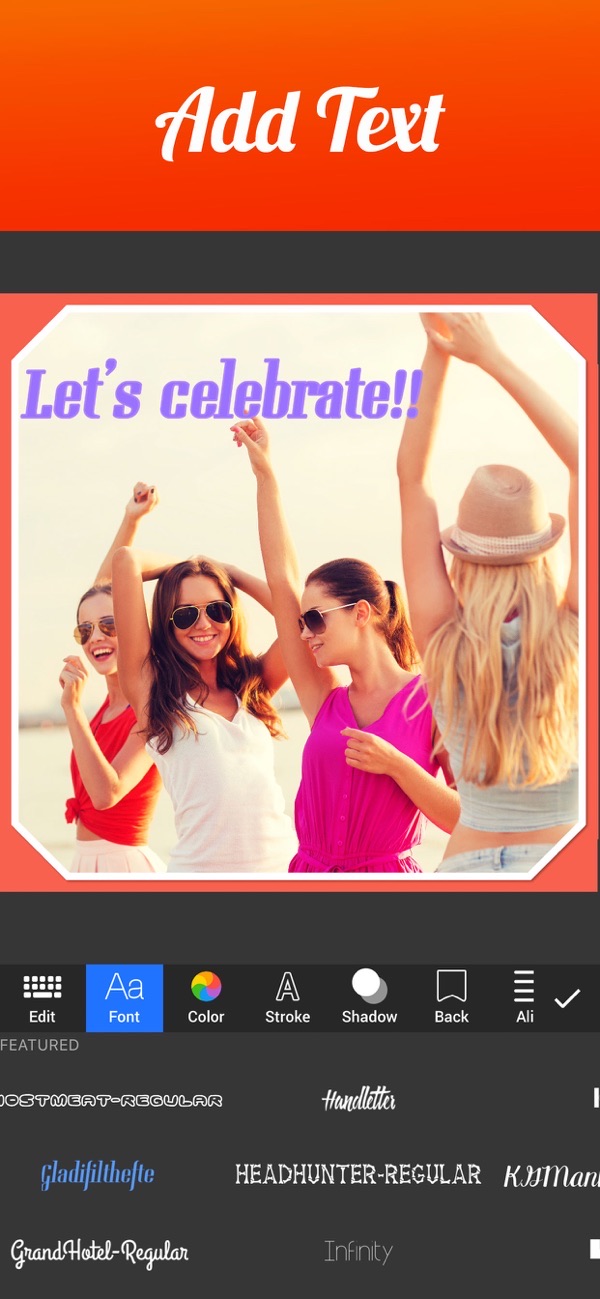
Photo Collage Maker pairs a simple design with a powerful editor so you can turn a handful of photos into one framed masterpiece in minutes. Combine up to 20 pictures, arrange them in a layout you love, then decorate with patterns, stickers, text and borders. All 1000+ layouts are free — and almost every other feature is too.
Over 1000 free collage layouts
Choose from more than 1000 regular and irregular layouts, all free. Pick your photos first and drop them into the grid that fits your story, from tidy squares to funky shapes.
Combine up to 20 photos in one picture
Bring together up to 20 photos to make a before-and-after sequence, a photo series, or a full page of your kids, pets or products — all framed in a single image.
Frames, borders and pattern backgrounds
Decorate with over 40 frames, full-spectrum color borders, shadow borders, rounded corners and more than 150 patterns you can blur, scale, lighten or darken.
Add text, stickers and photo filters
Caption your collage with 80+ fonts, drop in stickers from a library of 400+, and apply filters, shapes and shadows to individual photos for extra polish.
High-resolution export up to 3264 × 3264
Save to your camera roll or share to Facebook, Instagram, Twitter and more, exporting in high resolution up to 3264 × 3264 on newer devices.
Frequently asked questions
How many photos can I combine?
You can combine up to 20 photos into a single collage, arranged in any of the 1000+ layouts.
Are the layouts really free?
Yes. All 1000+ layouts are free, and in fact almost all of the app's features are free to use.
Can I add my own text and stickers?
Yes. There are 80+ fonts with a full-spectrum color picker, plus a library of over 400 stickers to decorate your collage.
Is it free?
Yes, it is free to use. A Premium subscription unlocks all stickers, 50+ pro patterns, pro fonts, custom photo backgrounds and removes ads.



Get Photo Collage Maker & Creator
Free to download on the App Store for iPhone and iPad.
New to this? Read our step-by-step guide: How to make a photo collage on iPhone.