How to Slow Down or Speed Up a Video on iPhone
Quick answer
To change a video's speed on iPhone, open it in Slow-Fast Motion, then slow down or speed up whole sections by adding points along a speed graph. Audio pitch is corrected as you go, and you can export at full resolution with no watermark.
Slowing a moment down draws the eye to the action, while speeding a dull stretch up keeps a clip moving. Doing both within the same video, ramping the speed up and down, is where a dedicated tool really helps.
Can you do it with the built-in apps?
iMovie can change the speed of a whole clip, but ramping different sections, slow here and fast there, is fiddly, and the built-in tools do not always keep the audio natural. A tool built for speed control lets you set several sections in one clip and keeps the pitch corrected.
Step by step
Here is how to do it with Slow-Fast Motion.
- Install Slow-Fast Motion and open the video you want to adjust.
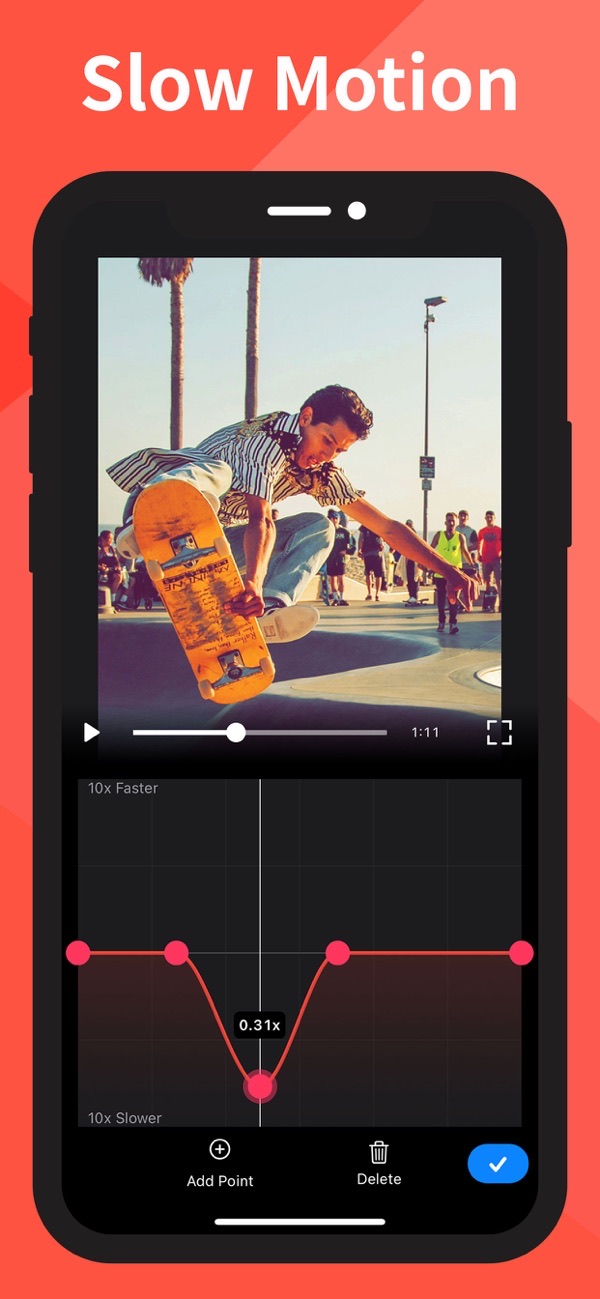
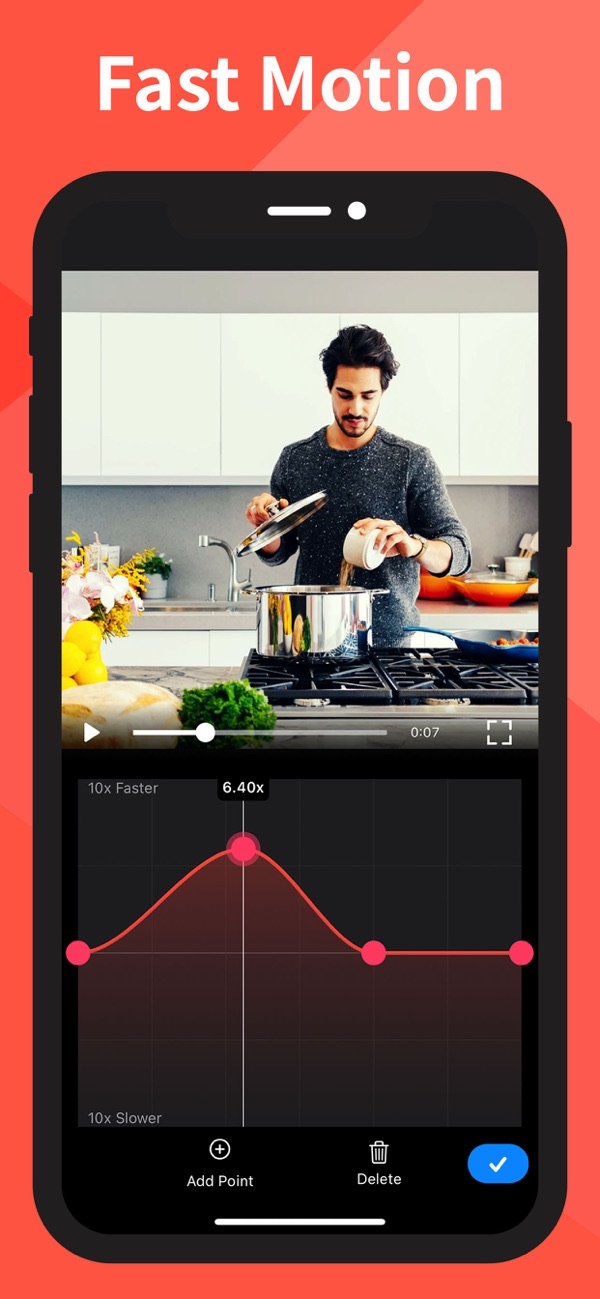
- You will see a speed graph beneath the clip. Drag a point down to slow a moment right down, or up to speed it up.
- Tap Add Point to create more sections, so you can slow one part and speed up another in the same video.
- Because the changes happen smoothly between points, the speed eases in and out rather than jumping.
- Play back the clip to check the timing, and delete any point you want to redo.
- Export at full resolution. Saving is free and there is no watermark.
Tips
- Slow a clip down to one-tenth speed to bring out detail in fast action, or speed it up to 10x for a time-lapse feel.
- The app corrects audio pitch, so slowed speech and music still sound right rather than dropping in tone.
- It handles portrait or landscape video and has no length limit, so longer clips are fine.
Frequently asked questions
Is there a watermark?
No. Saving is free with no watermark.
How much can I slow down or speed up?
You can slow a section down to one-tenth of its speed and speed one up to 10x.
Does it fix the audio?
Yes. Audio pitch is corrected, so sped-up or slowed-down sound stays natural.
Get Slow-Fast Motion
Free to download on the App Store for iPhone and iPad.

Keep editing
Blur a face in a video
Hide faces, plates and logos in a clip, with auto-tracking.
 Using Blur-Video
Slideshow with photos and music
Turn photos and clips into a movie with music.
 Using Slideshow Maker
Remove a video background
Erase the background from a clip with no green screen.
 Using Magic Video Background Eraser